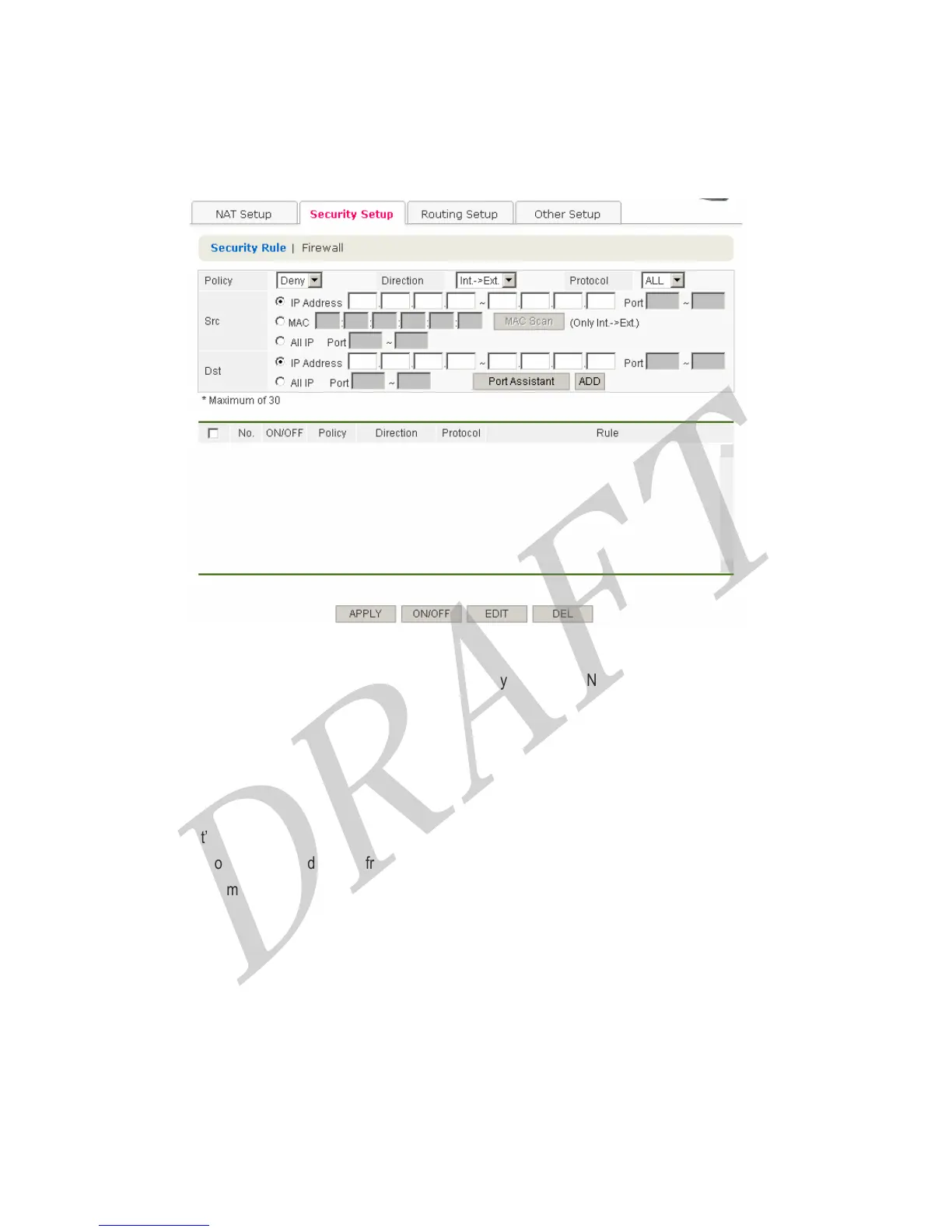
4.3.2 Security Setup
4.3.2.1 Security Rule
The feature allows to apply ‘allow’ or ‘deny ‘ communication policy between LAN side and WAN side.
Policy
Choose ‘Allow’ or ‘Deny’
Direction
Choose ‘Int -> Ext’ or ‘Ext->Int/’
Int -> Ext : means communication direction from LAN side to WAN side.
Ext -> Int. : means communication direction from WAN side to LAN side
Protocol
Choose ‘ALL’, ‘TCP’ or ‘UDP’
Start
It is possible to set IP address range, specific MAC Address, or ALL IP. Choose one. If you want to use specific port,
Choose TCP or UDP at Protocol.
Destination
38



 To Next Page