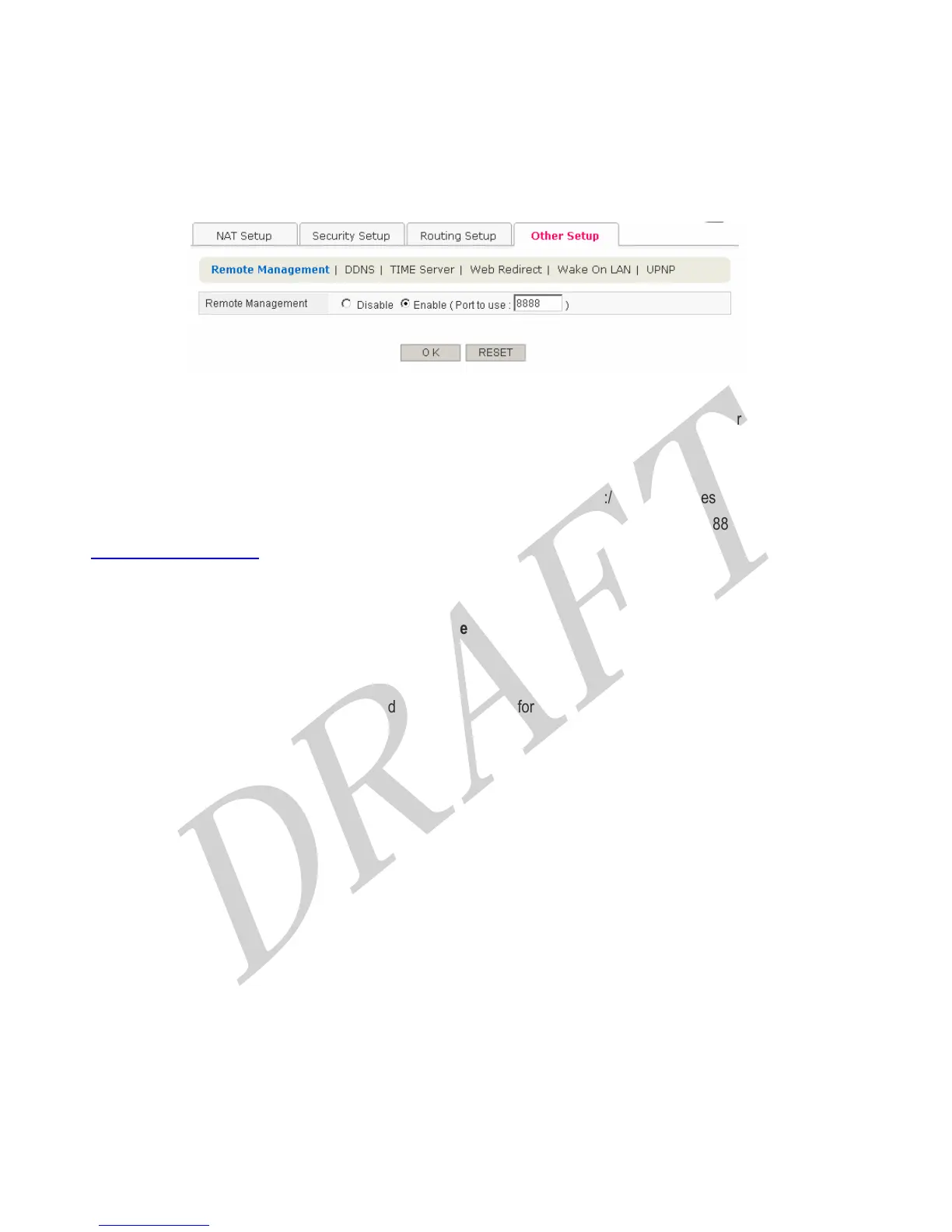
4.3.4 Other Setup
4.3.4.1 Remote Management
You can access to the Router on internet (WAN side), default port is 8888, and you can change the port number.
[How to remote access]
First of all, check the WAN IP address on HOME screen. Make access to the http://WAN IP Address: port number.
For example, If it is assumed WAN IP Address 211.207.83.10 and port number 8888, access to the
http://211.207.83.10:8888. You can see the login window.
[Button Descriptions]
● OK : Save the data on screen.
● RESET : discard any data you have entered and reload the file form the Router
42



 To Next Page