TROUBLESHOOTING
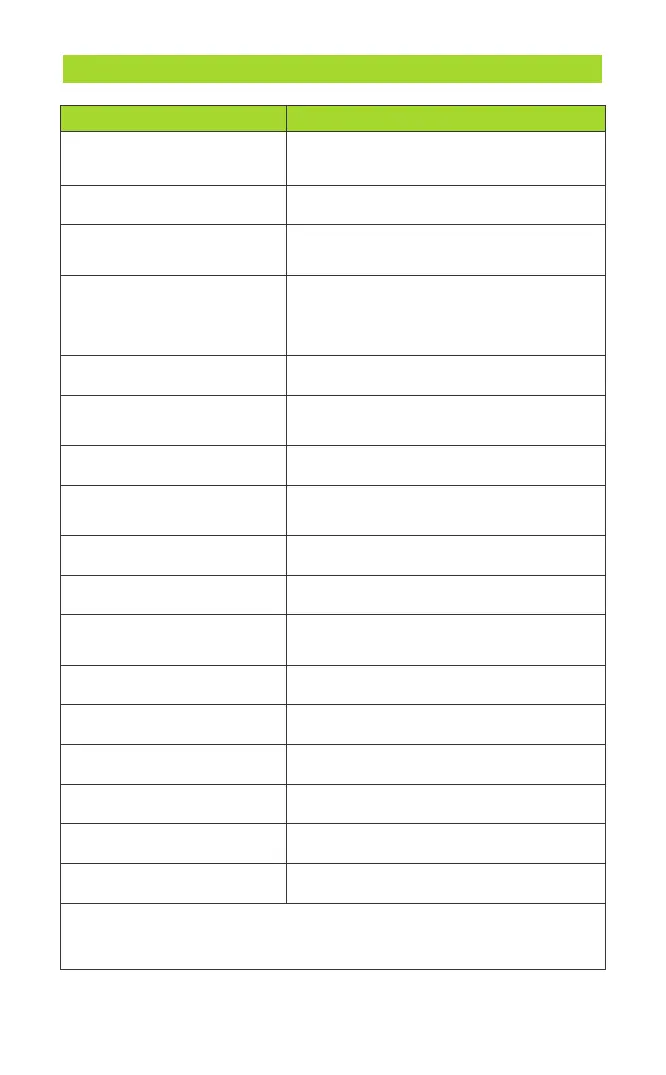
Problems Solutions
No Picture
Cannot Be Turned On
Auto Shutdown
TF Card Insertion Error
No Camera
Unable to Charge
Blurry Picture
Blurry Screen Display
Connection Interruption
Difficulty Operating
Abnormal Screen Colors
Screen Flickering or Lines
Device Heating Up
Difficulty Starting the Device
Image Inversion or Reversal
Slow Screen Response
Difficulties Bending the Probe
Check probe and power. Restart the device.
Unplug and reinsert the monitor, ensure
the monitor and controller are well
connected.
Insufficient power, charge it and try to
turn it on.
Check cable and port. Try different
cable/adapter.
Clean lens/screen. Adjust focus if possible.
Adjust contrast and brightness
for clearer visuals.
Secure cable connection. Swap if needed.
Study manual or video guides.
Check cable. Contact support if
issue persists.
Check power. Restart.
Ensure ventilation. Avoid high temps.
Check battery. Hold power button.
Adjust image settings in menu.
Restart device. Manage memory usage.
Coil probe gently. Stop if resistance.
Insert compatible card. Format if needed.
The probe will automatically shut down
when it exceeds the protection
temperature, you can try to turn it on
again after it cools down.
*If you encounter any issues while using the product, don't hesitate to reach
out to us. We'll provide feedback within 24 hours and work swiftly to resolve
the matter.
- 11 -



 To Next Page