the weigh pan if the weight is still below zero.
(2) The tare value is over the full scale capacity.
UNIT KEY:
This key is UNIT key
Use this key to switch between kg and g or lb units.
FUNCTION KEY:
This key is FUNCTION key
Use this key to choose the functions: Simple counting, Check weighing, Accumulation
and Animal weighing.
PRINT KEY:
This key is PRINT key; in the menu use as “CONFIRM“ key
Use this key to print data when the printer is connected.
1.4 OPERATING THE SCALE
1.4.1 Simple Counting Mode
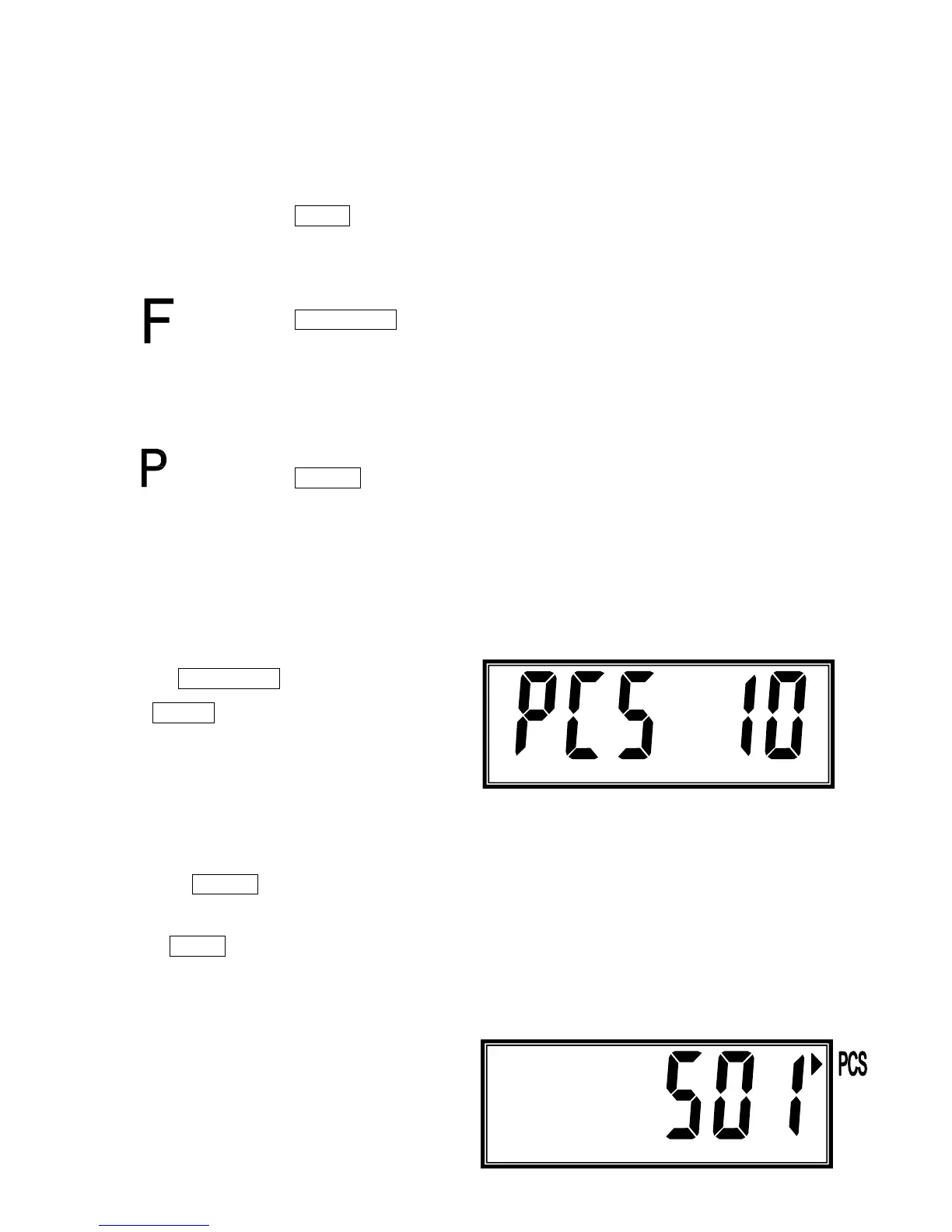
1. Press FUNCTION key once, LCD shows :
Press ZERO key to choose sample numbers
from 10, 20, 50 to 100 pcs, then place the
number of samples on the weighing pan.
The number should match the options for parts
counting. i.e., 10, 20, 50, 100, 200 pieces.
Then press PRINT key to start the simple counting mode.
2. Press UNIT key to check the unit weight and total weight, LCD will shows unit weight and shows
total weight then back to simple counting mode.
3. After LCD shows unit weight and total
weight the scale back to simple counting
mode, user can continuo use this mode or



 To Next Page