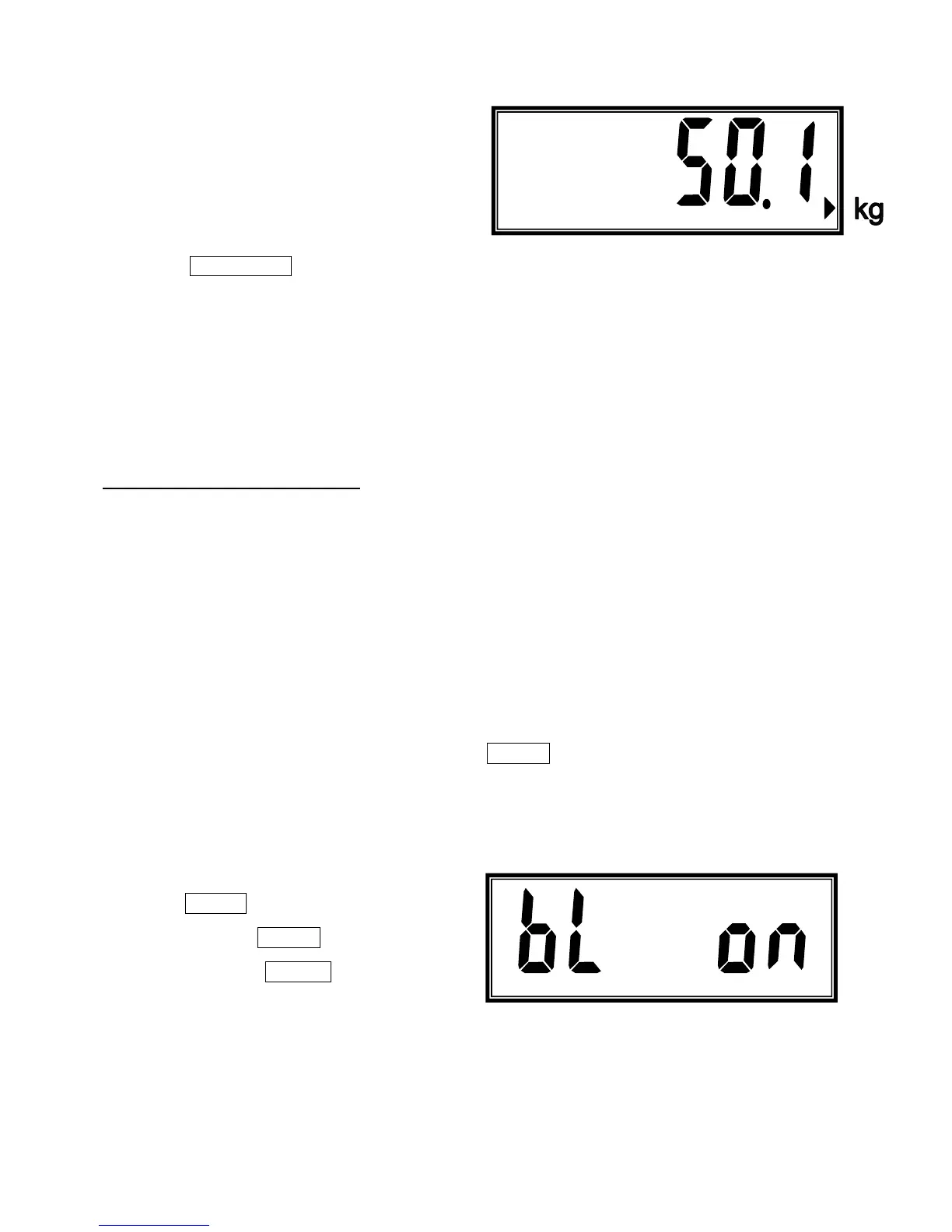
3. Scale will back to accumulation mode after
shows the total accumulated numbers and weight.
Press FUNCTION key to exit accumulation mode and move back to weighing mode.
1.5 POWER SUPPLY
POWER SELECTION
1. 6V4Ah rechargeable battery
2. 110V or 220V AC/DC adaptor
POWER CONSUMPTION
1. Approximately DC 17mA (Scale)
2. Approximately DC 37mA (Scale + Display backlight)
CHARGING THE BATTERY
When the low battery symbol is on, it means the power of scale is low needs to change the battery
or plug-in the adaptor to recharge the battery.
To the right of the display is a LED to indicate the status of battery charging. When the scale is
plugged into the mains power the internal battery will be charged. If the LED is green the battery
is being charged. If it is red indicates the battery is increasing the charge level. Continue to
charge overnight for a complete re-charge.
CHAPTER II ADVANCED FUNCTIONS
2.1 CHECKING BATTERY VOLTAGE
When scale is on and at zero and stable, long press ZERO key around 3-5 seconds(beeper sounds)
then release the key, LCD sill shows the battery voltage for 3 seconds ten back to weighing mode.
2.2 AUTO BACK LIGHT SETUP
When scale is on and at zero and stable,
long press TARE key enter the auto
back light setup, use ZERO key to enable
or disable, then press PRINT key to
confirm and back to weighing mode.
7



 To Next Page