press UNIT key move back to weighing
mode.
Press FUNCTION key to exit simple counting mode and move back to weighing mode.
1.4.3 hold Weighing Mode
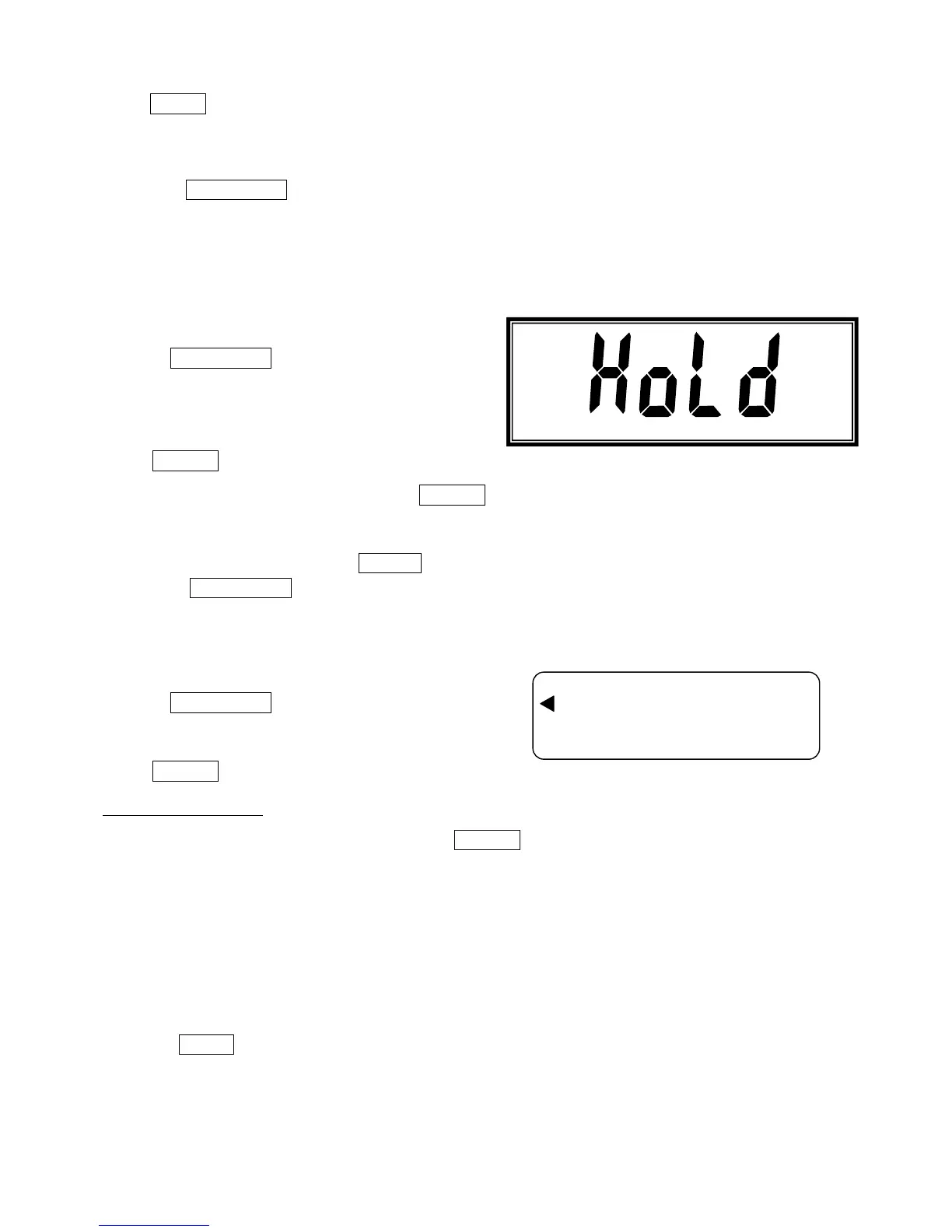
1. Press FUNCTION key three times, LCD shows:
Press PRINT key to start the HOLD mode ,
When choose this mode, user needs to press PRINT key after the objects are put on pan and the scale
is stable
2. Take off the object and press ZERO key the until back to zero .
Press FUNCTION key to exit HOLD mode and move back to weighing mode.
1.4.4 Accumulation Mode
1. Press FUNCTION key four times, LCD shows:
Press PRINT key to confirm.
1 Manual Accumulation
When choose this mode, user needs to press PRINT key after the objects are put on pan and the
scale is stable to accumulate the data; take off the object and wait until zero, then put other object to
continue accumulate data.
2. Press UNIT key to overview the total accumulated numbers and total accumulated weight; LCD
will shows total accumulated numbers then shows the total accumulated weight.



 To Next Page