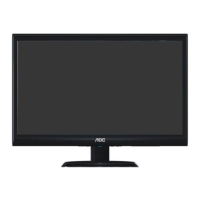
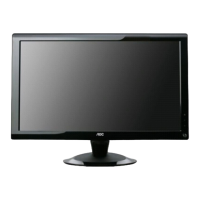
21.5" LCD Color Monitor AOC e2236Vw
68
When Read is OK, program is NG, pls do take following action:
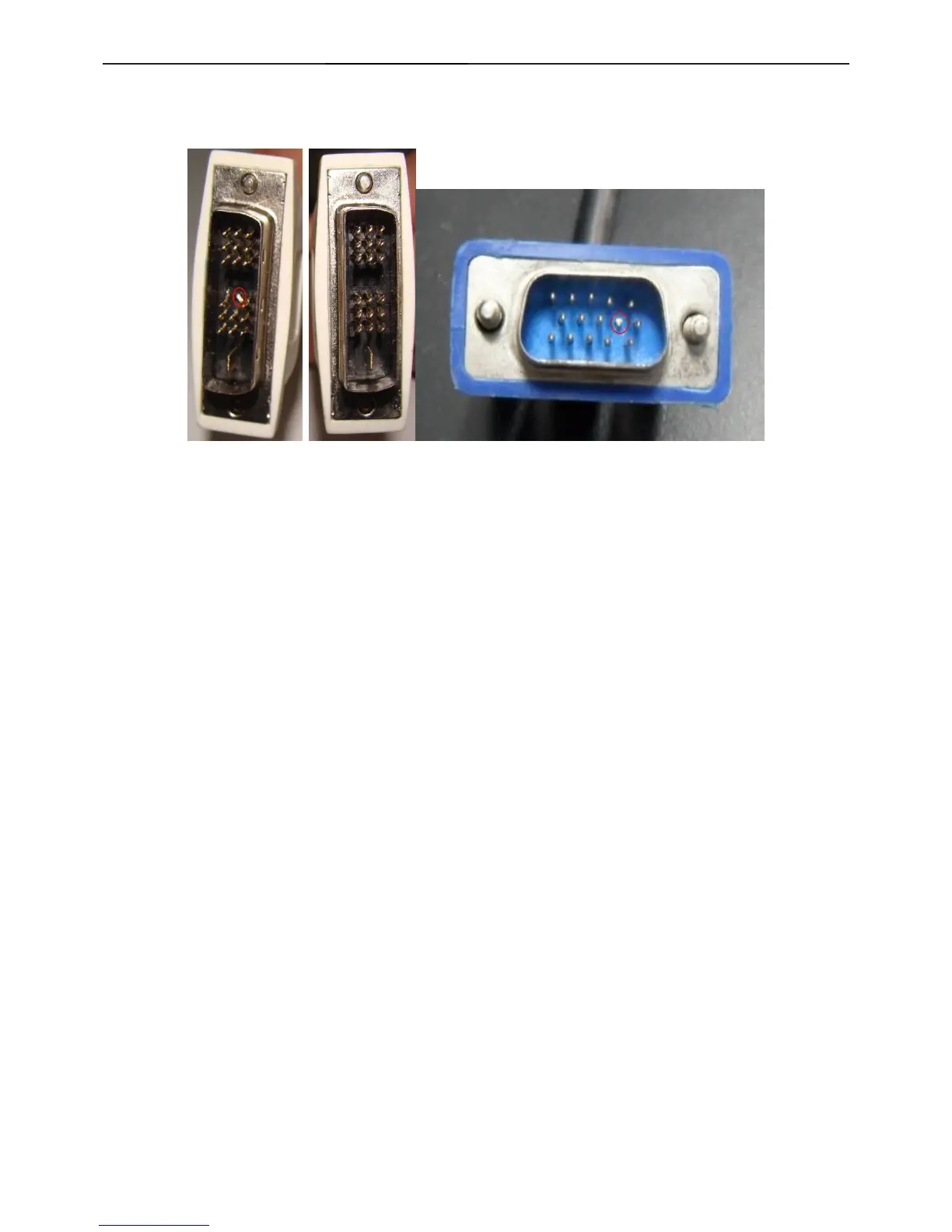
1. For VGA,cut off the 9th pin (connect the monitor).
2. For DVI, cut off the 14th pin (the shortest pin, power supply).
3. Connect the EEPROM WP pin to ground.


 To Next Page