- 15 -
Video File
Duration
Set the length of each video clip for a
continuous recording.
(1min/2mins/3mins/5mins/
10mins
).
Loop Recording
On
/Off
When the storage space is full, it can
automatically overwrite the unprotected
files.
If you turn it off,the camera will stop
recording when the sd card is full.
Slient Mode
Off
/On
When silent mode is enabled, all
Status LEDs and tones are turned Off.
Vibration is the only source of notifications.
Button Press Tone Turn
On
/ Off the button sound.
Number Beep
Turn on /
off
the voice prompt.
The camera will give voice prompts when
turning on and recording.
File Brower Mode
Photo Mode
/File Mode
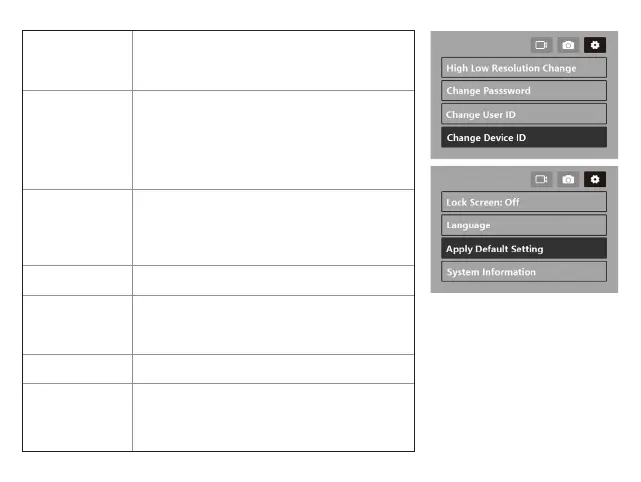
High Low
Resolution
Change
Off
/On
When turned on, the camera will quickly
switch to the lowest resolution.


 To Next Page