- 14 -
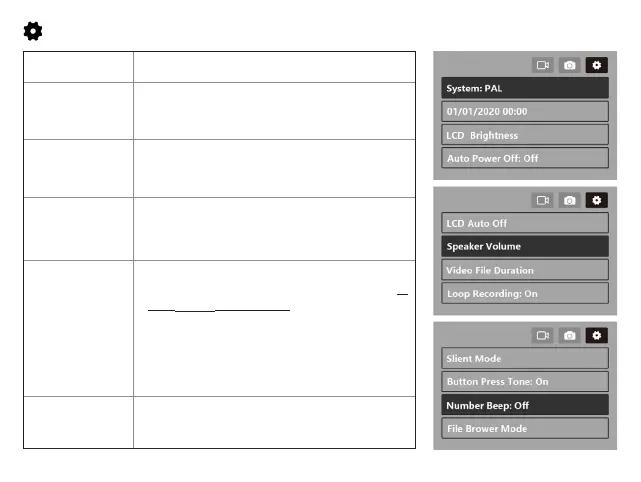
System Setting
System
PAL/
NTSC
Date & Time
Set the camera Time & Date (The initial
password is 000000)
LCD Brightness
25%~
100%
Adjust the LCD Screen Brightness
Auto Power Off
The device will shut down automatically at
the specified time.
(
Off
/1 min/2 min/3 min/5 min)
LCD Auto off
Selects Off to keep the LCD on, or sets the
timer for the LCD to turn off automatically (
5
SEC/
30 SEC
/1 min/3 min
). Selecting Screen
timeout will turn off the LCD (in the specified
time).After turned off, the screen will reduce
power consumption; the camera still works
and records under the display off. Press
Power Button , it will turn on.
Speaker Volumn
Adjust the volume(0~9) in the playback
video and System(Not the Mic volume)


 To Next Page