- 6 -
Press and hold the Button while the camera is off. The camera will vibrate to confirm the action
and automatically turn on and start video recording.
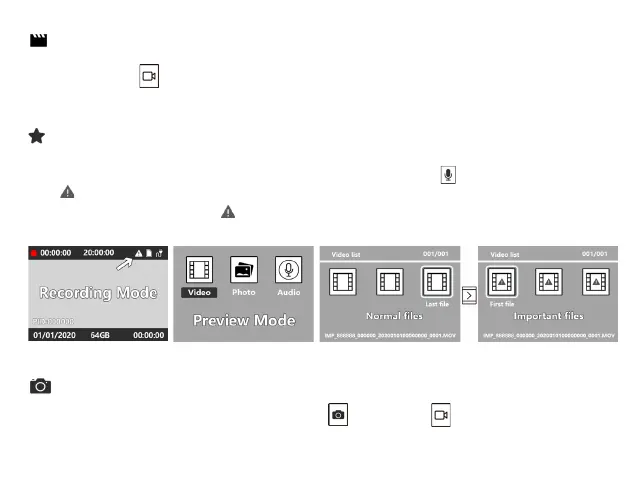
While recording video you can tag an important file by pressing the . A yellow exclamation
mark will appear at the top right of the screen. When you view the file in the media play back
menu the file will be tagged with .
In Standby Mode and Recording Mode, short press or long press , and the unit will take a
picture.
Quick Video Recording
Tagging important files
Photograph Feature


 To Next Page