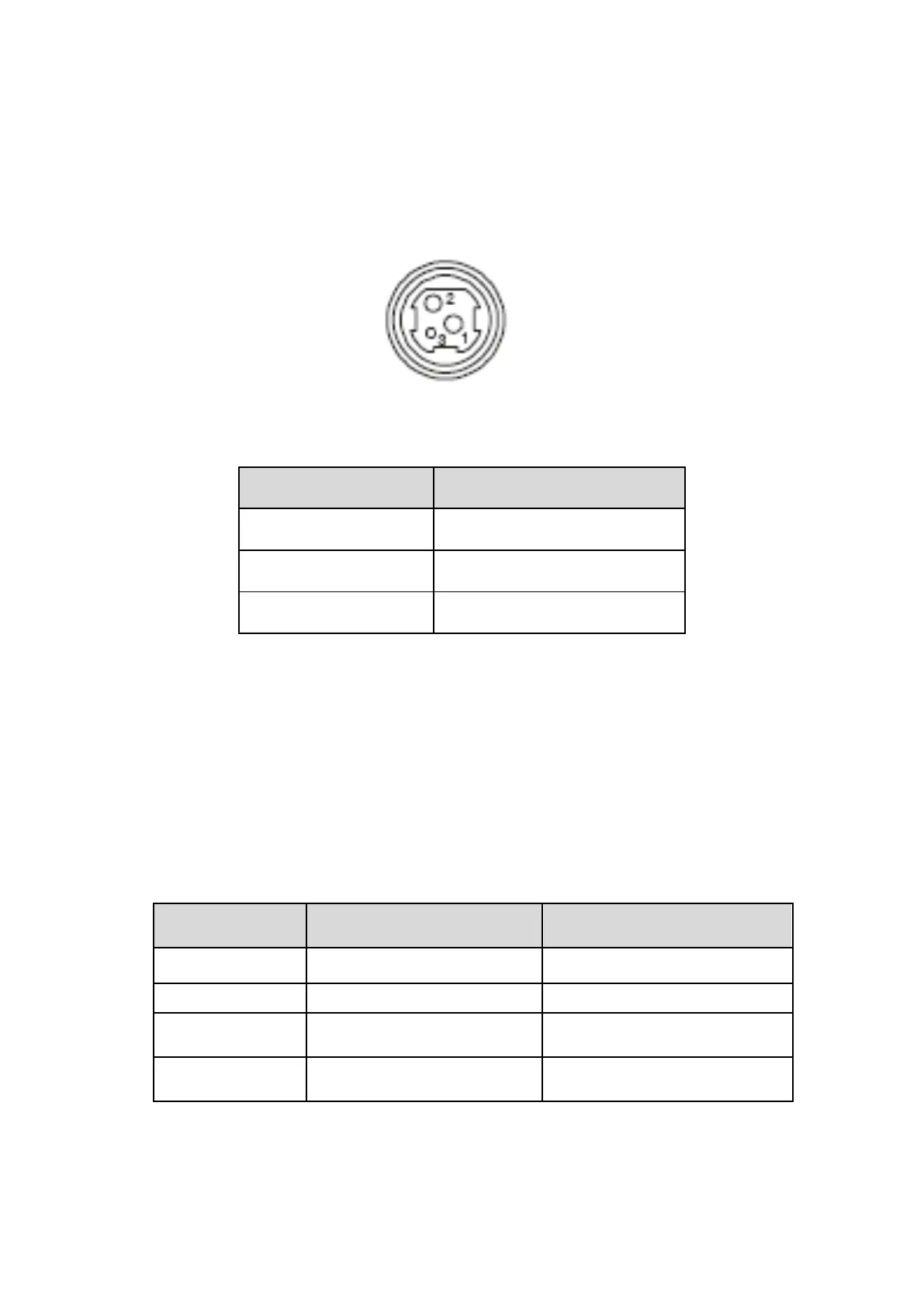
2.3.3 Power Connection
PR-250 uses the external power supply adopter as 24V±10%、2A,
power socket is A-1009-3P model, as Fig. 2-10 shows:
Fig.2-8 Power Socket
The pin assignment is as below:
2.4 Buttons and Indicators
There is one button and three indicators on PR-250 printer.【FEED】is paper
feeding button, the function of its enabling or disabling the button on/off can be
set by print command, when the button is enabled, press 【FEED】 button,
then the paper presenting driver starts up and paper feed into the printer;
release【FEED】 button, paper feeding stops. The green POWER light is the
power indicator, red ERROR light is status indicator, it is dark when the printer
works normally, while it flashes when reporting an abnormal emergency, as the
following form shows:
When any error shown above occurs, pin “nFault” of parallel change to “0”
level, and send 1 bit wrong code through serial TXD by itself, it can also send
out the printer state by answer the ESC v command.


 To Next Page