EasyManua.ls Logo

AOpen AK77-333 - Page 55

AOpen AK77-333
113 pages
Print Icon
To Next Page IconTo Next Page
To Previous Page IconTo Previous Page
Loading...
55
A
A
K
K
7
7
7
7
-
-
3
3
3
3
3
3
O
O
n
n
l
l
i
i
n
n
e
e
M
M
a
a
n
n
u
u
a
a
l
l
E
E
x
x
t
t
e
e
r
r
n
n
a
a
l
l
C
C
o
o
n
n
t
t
r
r
o
o
l
l
l
l
e
e
r
r
f
f
o
o
r
r
D
D
I
I
E
E
-
-
H
H
A
A
R
R
D
D
B
B
I
I
O
O
S
S
(
(
U
U
p
p
g
g
r
r
a
a
d
d
e
e
O
O
p
p
t
t
i
i
o
o
n
n
a
a
l
l
)
)
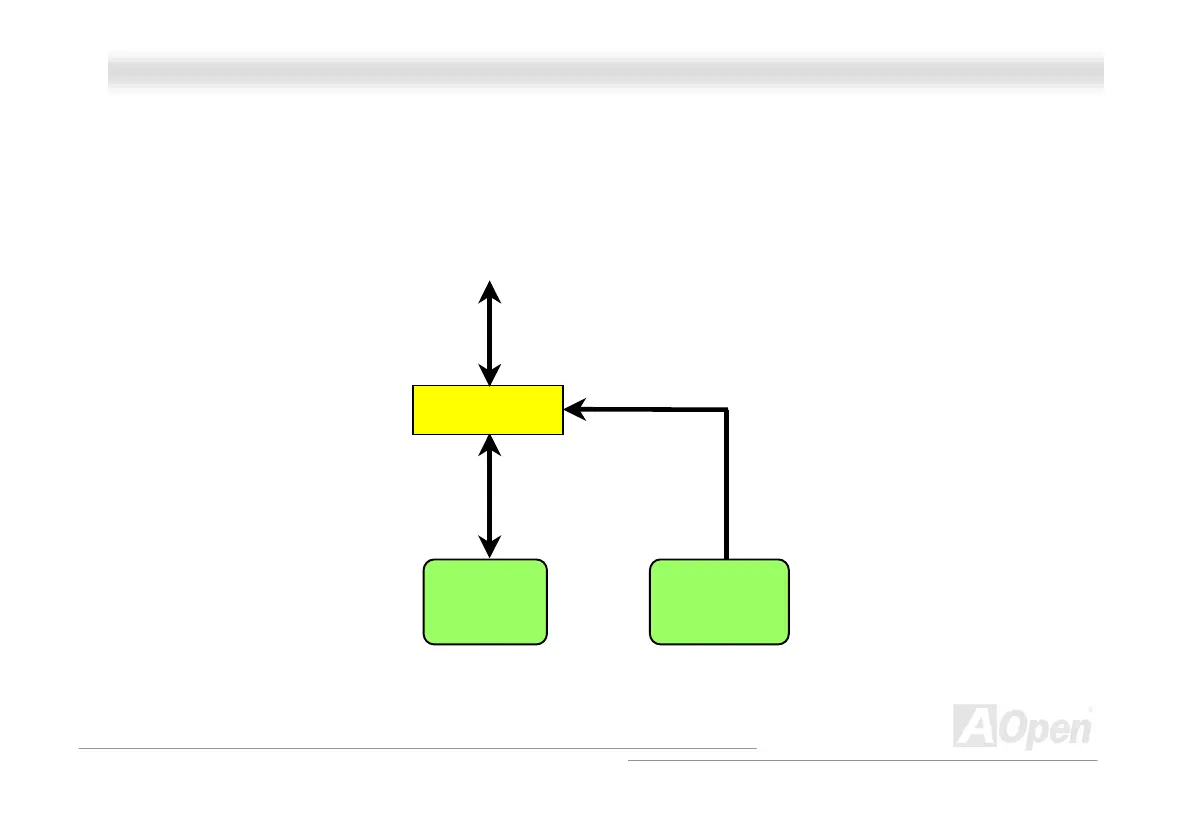
External Controller provides you a better and convenience way to switch the BIOS status between “Rescue” and “Normal
without opening the case of your computer. You have to plug the jumper cable to the connector pin (JP30) on the motherboard.
Be careful of the orientation when you connect, the red wire should correspond to Pin1.
Normal
Flash ROM
Rescue ROM
To / Form CPU
Manual Switch
Read/Write
Read Only

Table of Contents

Related product manuals