56
A
A
K
K
7
7
7
7
-
-
3
3
3
3
3
3
O
O
n
n
l
l
i
i
n
n
e
e
M
M
a
a
n
n
u
u
a
a
l
l
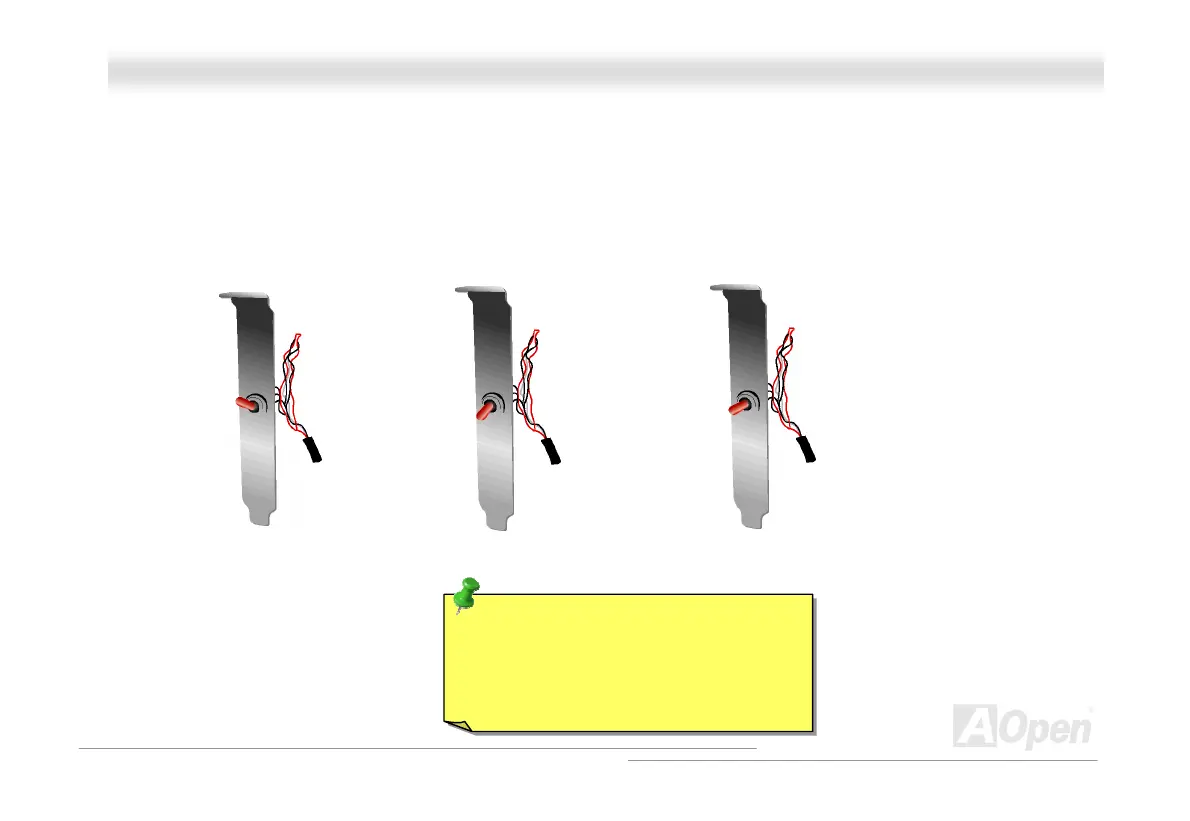
Note: If you suspect your BIOS is infected by virus, just rescue your bios by following steps:
1. Turn off the system, set the External Controller to “Rescue” to read from rescue ROM.
2. Boot the system and set the switch back to “Normal”.
3. Follow the BIOS upgrade procedure to rehabilitate BIOS.
Reboot the system, and you should be able to go back to normal mode.
Rescue
(Read from
Rescue ROM)
Normal
(Read from normal
Flash ROM)
Lock
(Lock your computer
to protect your data)
Tip: If you place the switch to the middle
(as 3
rd
picture shows), you will not be
able to boot your system, thus you can
rotect your data from molesting.



 To Next Page