95
A
A
K
K
7
7
7
7
-
-
6
6
0
0
0
0
G
G
N
N
O
O
n
n
l
l
i
i
n
n
e
e
M
M
a
a
n
n
u
u
a
a
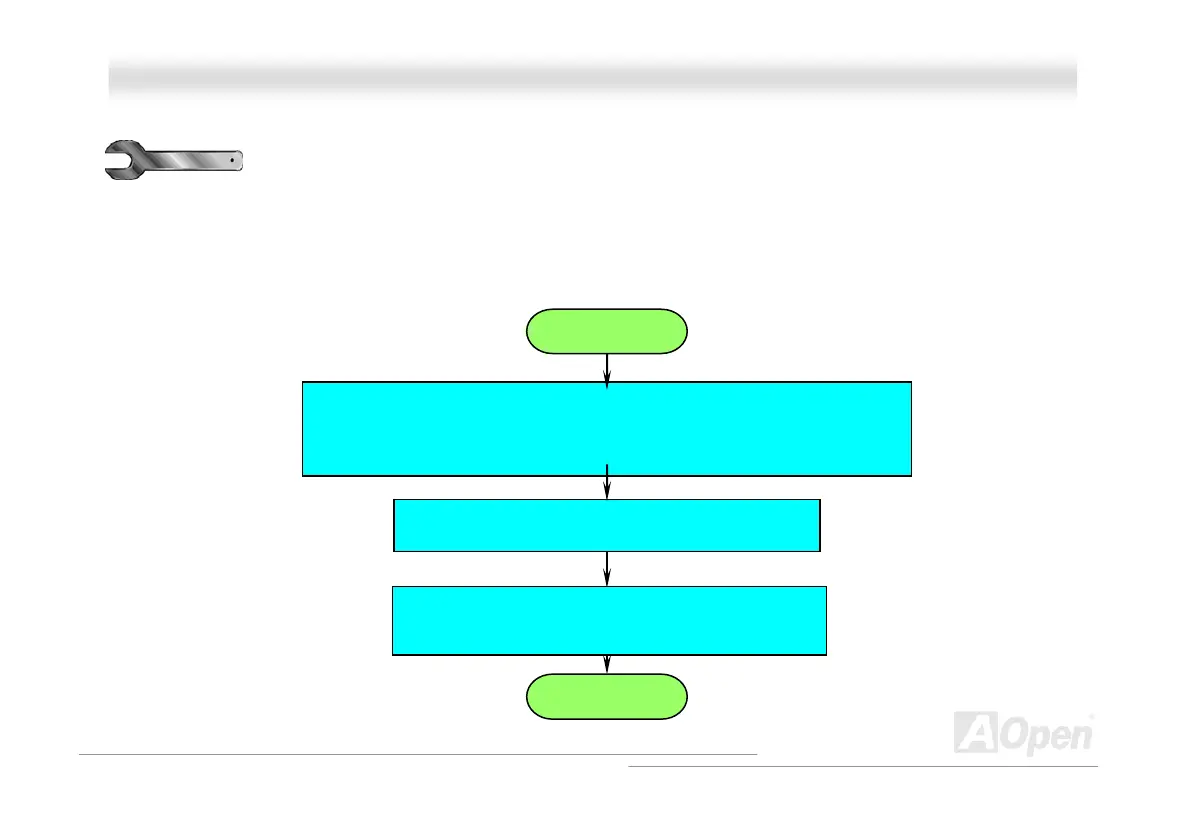
Turn off the power and unplug the AC power cable, then remove all of the
add-on cards and cables, including VGA, IDE, FDD, COM1, COM2 and
printer.
T
T
r
r
o
o
u
u
b
b
l
l
e
e
s
s
h
h
o
o
o
o
t
t
i
i
n
n
g
g
If you encounter any trouble to boot you system, follow the procedures accordingly to resolve the problem.
Start
Make sure if all jumper settings are correct.
Next
Clear CMOS, then plug the ATX power cord correctly
(For P4 system, please also plug the 4pin (+12V)



 To Next Page