beeps).
APCO25 Voice Inverter CTCSS APCO25 ………
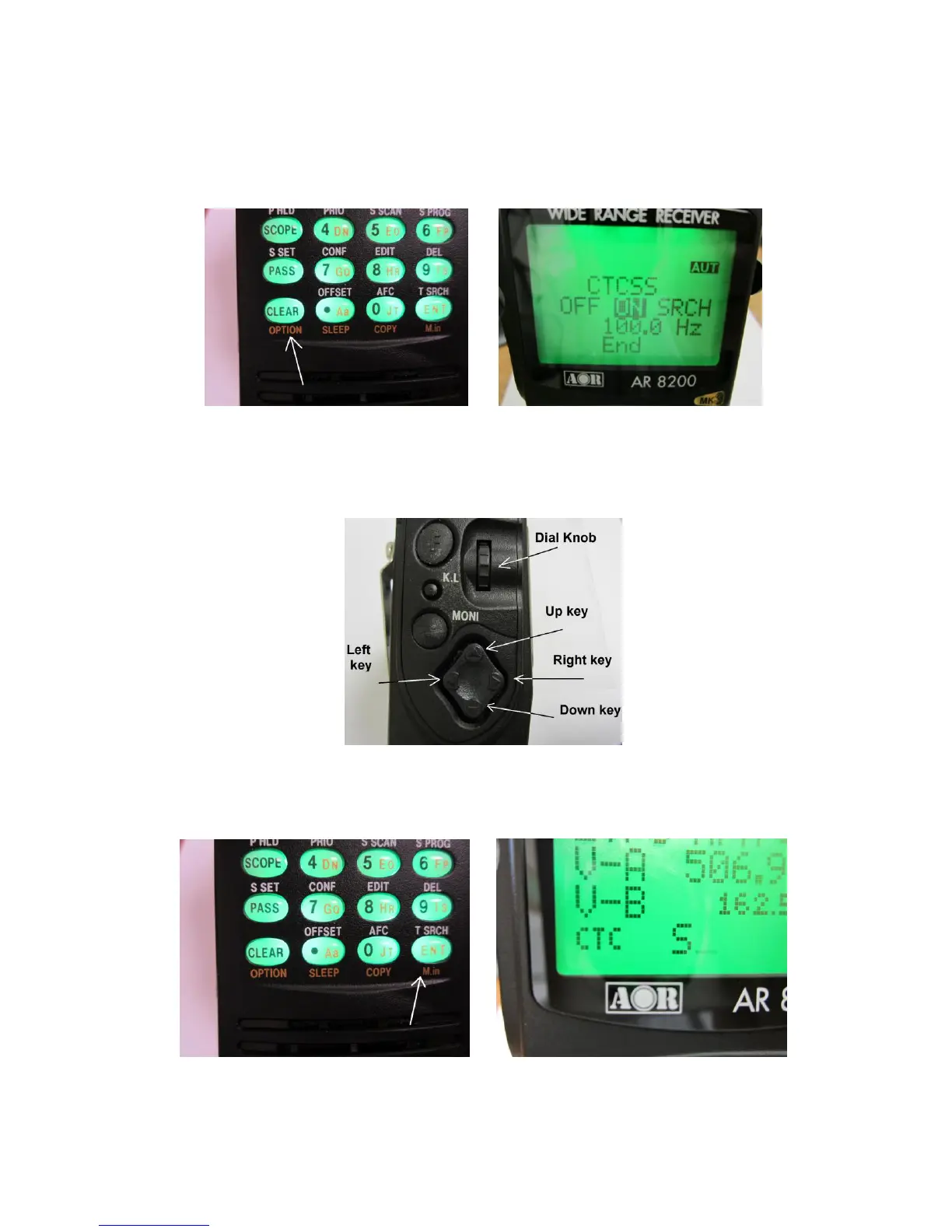
3. To select the CTCSS mode, press and hold the [CLEAR] key for two seconds.
4. “CTCSS OFF ON SRCH” will appear on the LCD.
5. Use the UP / DOWN arrow key to select “ON”.
6. Rotate the dial knob or use the RIGHT / LEFT ARROW key to select the desired CTCSS tone from
the range of 67.0 Hz ~ 254.1 Hz as shown on the chart. The current CTCSS tone is displayed on the
LCD.
7. To accept the data input, press the [ENT] key.
8. “CTC” will appear on the bottom left of the LCD while CTCSS is activated.
To deactivate CTCSS,
1. Double click the [CONTROL] switch.



 To Next Page