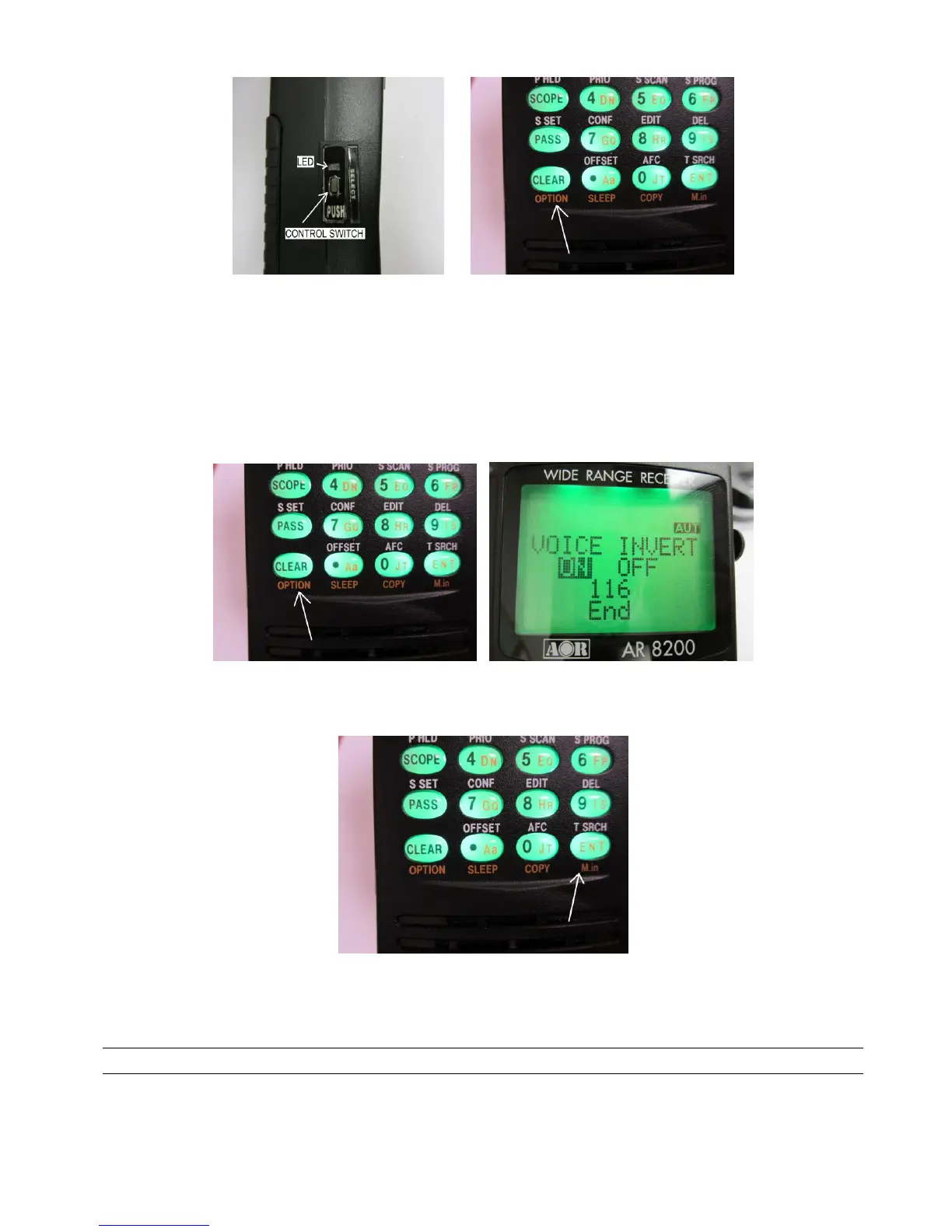
2. Double clicking the [CONTROL] switch will toggle through the APCO25 mode (one beep),
Voice Inverter mode (two beeps, not available for US consumer model), and CTCSS mode (three
beeps).
APCO25 Voice Inverter CTCSS APCO25 ………
3. To select the APCO25 mode, press and hold the [CLEAR] key for two seconds.
4. “VOICE INVERT ON / OFF” will appear on the LCD.
5. Press the [ENT] key.
To activate the function, perform the following steps:
Press and hold the [CLEAR] key for two seconds.
5 USB INTERFACE
The mini USB connector located on the digital control unit is designed to connect directly to the USB port
of a PC.
All FUNCTIONs of the AR8200D can be controlled by a PC by using the USB interface.



 To Next Page