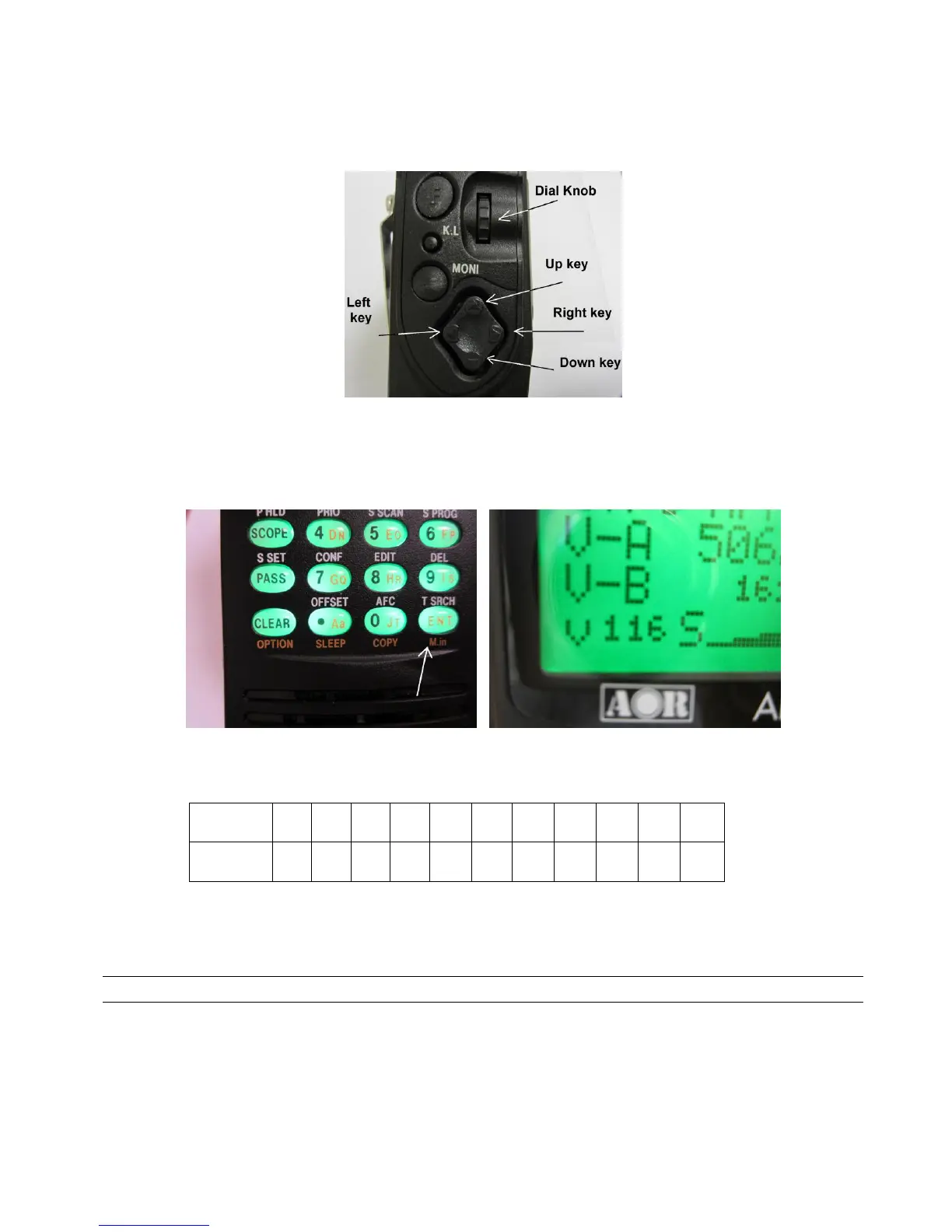
4. “VOICE INVERT ON / OFF” will appear on the LCD.
5. Rotate the dial knob or use the RIGHT / LEFT ARROW key to select the desired inversion frequency
/ value from the list below.
The selected inversion value will be displayed on the LCD.
7. To accept the data input, press the [ENT] key.
8. “v nnn” will appear on the bottom left of the LCD while the VOICE INVERTER function is activated.
Refer to the relationship table between value and inversion frequency:
To deactivate the function:
Press and hold the [CLEAR] key for two seconds.
4 APCO25 (P25) DECODER
When the APCO25 (P25) function is activated, the digital format signal (non-encrypted, conventional
mode) may be monitored.
1. In normal receive mode, double click the [CONTROL] switch located on the digital control unit.
(In the other modes, press and hold the [CLEAR] key for two seconds to remove “v nnn” from
the LCD.)



 To Next Page