3
Using Macro Hub
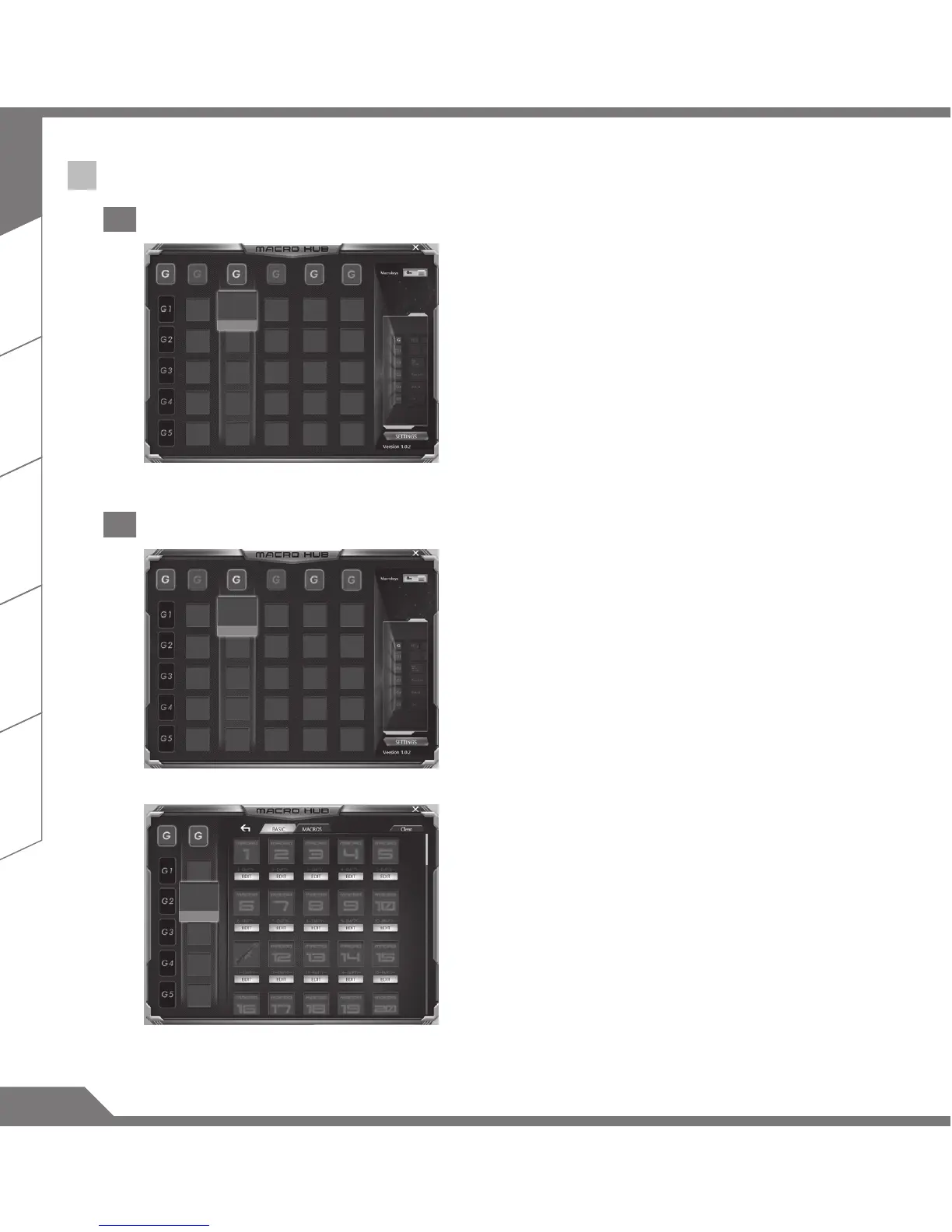
1 Set Macro Key to basic function
2
a. Click the G button on the left-top of the keyboard to
switch to the Macro Key group you would like to use
b. Click the Macro Key function brick
c. Double-click the function you would like to us(ex.
open browser) in the basic function area. The
Macro Hub will ask if you would like to save the
configuration. Please press “Yes” to complete the
setting.
2 Set Macro Key to custom macro
a. Click the G button on the left-top of the keyboard to
switch to the Macro Key group you would like to use
b. Click the Macro Key custom macro brick
c. Click edit macro (you can set at most 100 set of
macro)



 To Next Page