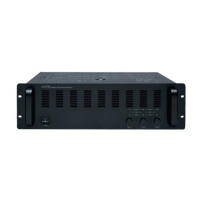
1
15
16
3
4 11
2 125
23
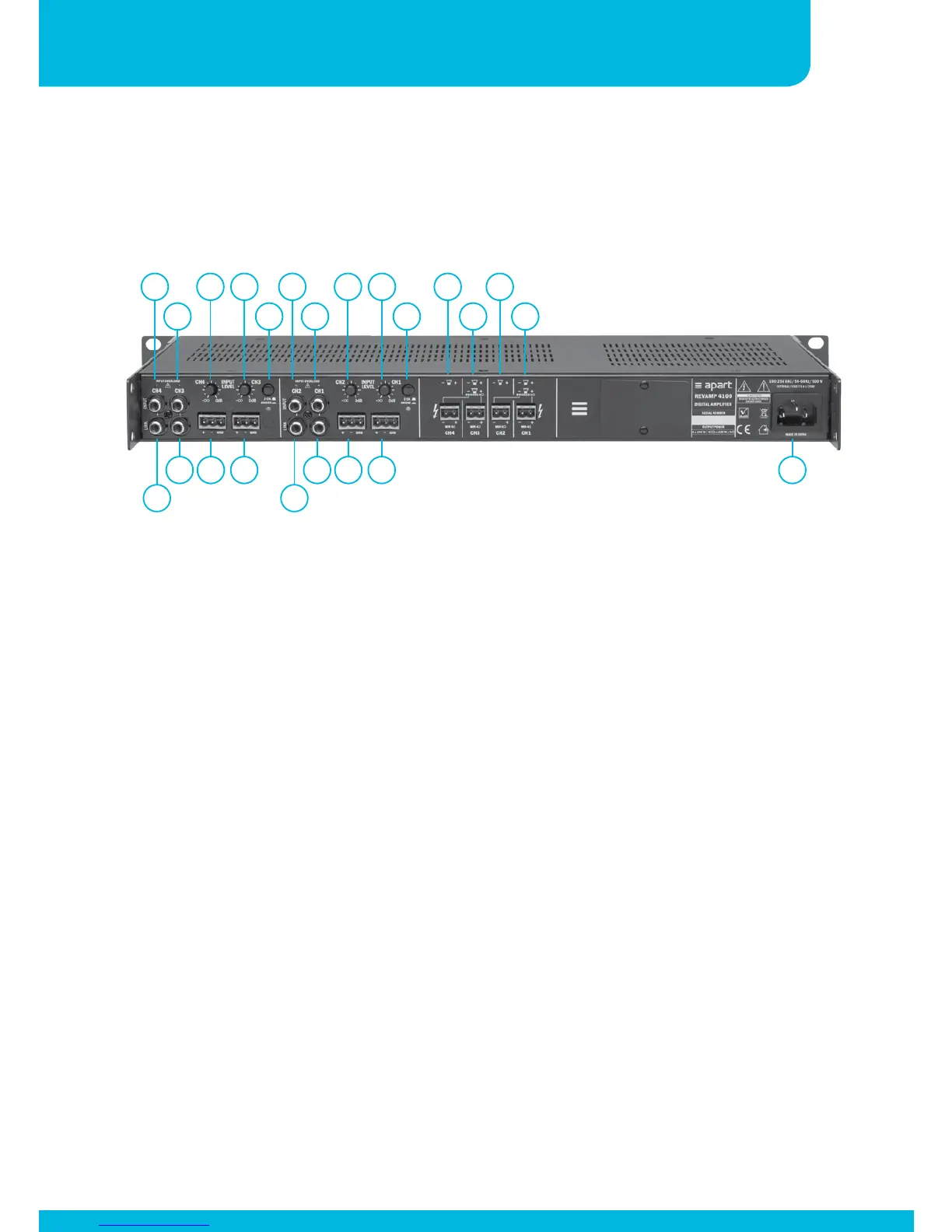
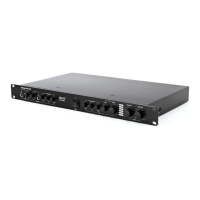
1. Channel 4 overload led: when this led lights up, you are
overloading the input. Lower the input signal immediately to
prevent distortion.
2. Channel 3 overload led: when this led lights up, you are
overloading the input. Lower the input signal immediately to
prevent distortion.
3. Channel 4 input gain setting: adjust the input gain to the
output level of your source. Make sure to avoid the clip led
lighting up at the strongest input peak level.
4. Channel 3 input gain setting: adjust the input gain to the
output level of your source. Make sure to avoid the clip led
lighting up at the strongest input peak level.
5. Bridge/2 channel mode selector: push the selector switch to
enable bridge mode operation. Minimum load impedance in
bridge mode is 8 ohms. The yellow led underneath the switch
lights up when bridge mode has been activated. Always
Connections
6
7
8
9
10
13
14
17 18
19
20 21 22


 To Next Page