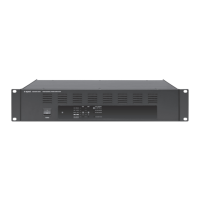
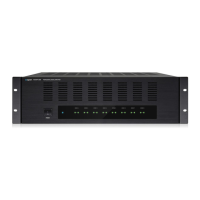
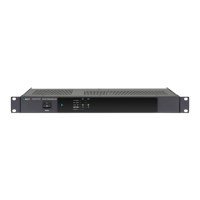
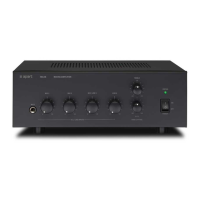
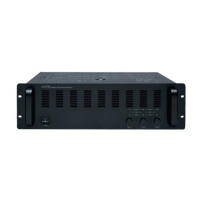
Operation
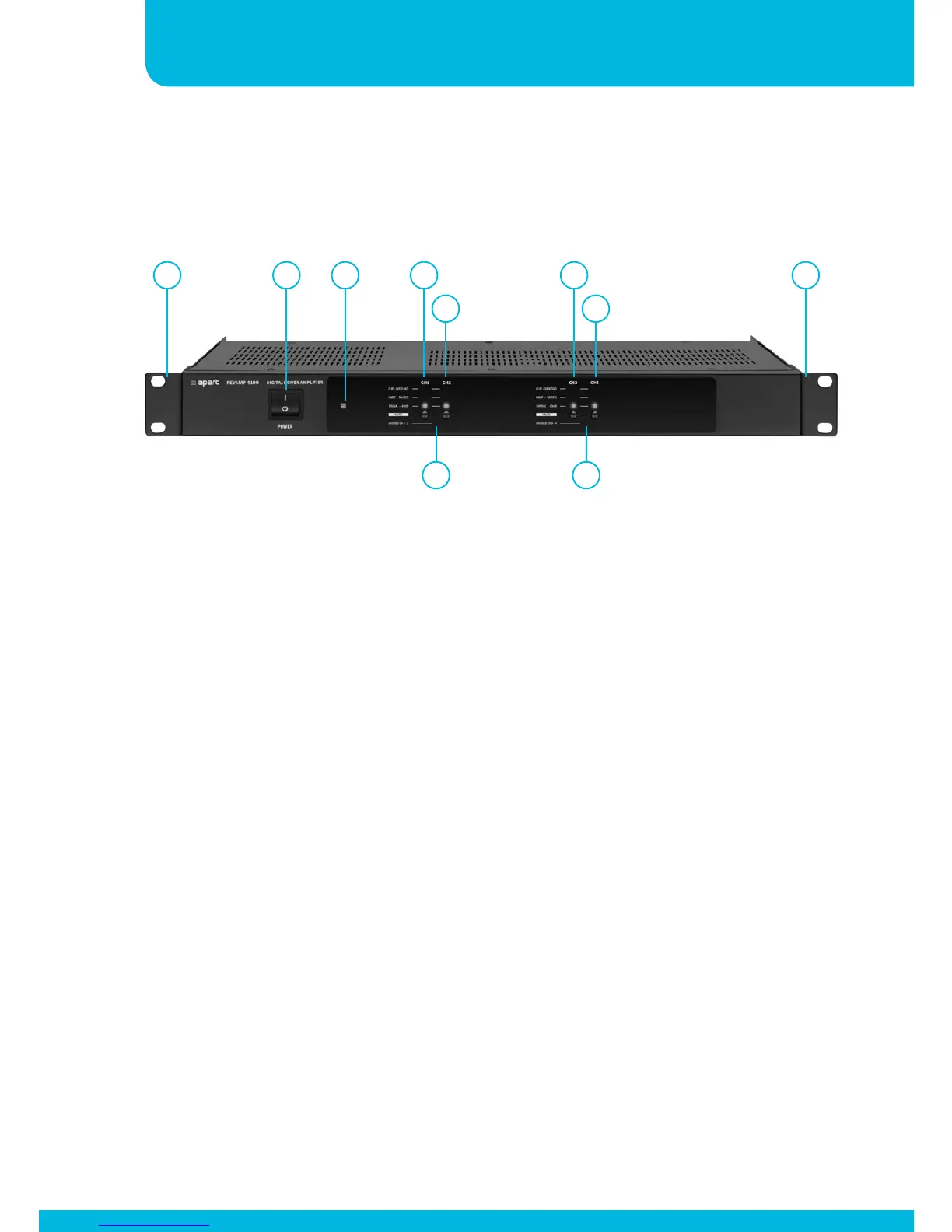
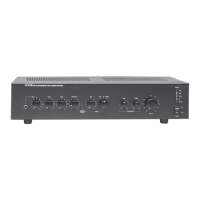
1. Removable rack ears for 19” rack mounting.
2. Power switch: after switching on the power, the power led will
light up after approx 1 second.
3. Power led
4. Channel 1 status led bar and mute switch: when the mute
switch is pressed, the orange “LIMIT – MUTED” led will light
up. This led will also light up when the internal limiter is
activated to avoid the amplifier from being overloaded by high
input signals. The “CLIP – OVERLOAD” led indicates that the
power amplifier is clipping: reduce the input signal at once
whenever this occurs !!! The green “SIGNAL - -40dB” led will
light up when an input signal is present.
5. Bridged CH 1-2 led
1 12 3 4
6
5
7
9
8


 To Next Page