EasyManua.ls Logo

APC Smart-UPS VT - Warranty; Limited Factory Warranty; APC Product Covered; Terms of Warranty

APC Smart-UPS VT
44 pages
Print Icon
To Next Page IconTo Next Page
To Previous Page IconTo Previous Page
Loading...
Overview – User Interface
4 Smart-UPS® VT 10-40 kVA 400V, 208V, 200V – Operation 990-2282A-001
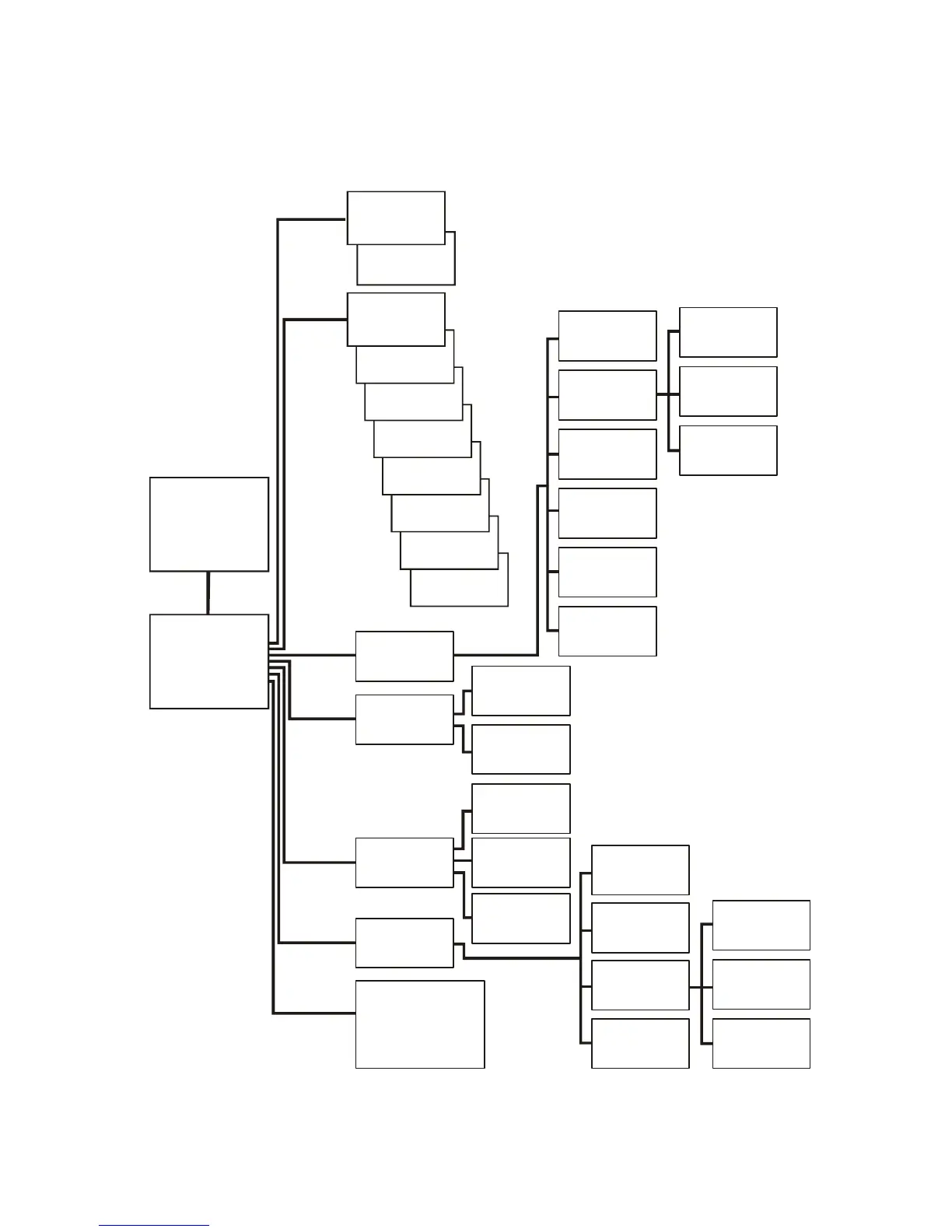
Menu tree
The menu tree provides a quick overview of the functions and views you can access.
If you g et beyond the fun ctions describ ed in the menu t ree, do not proc eed. Press ESC to go back.
Overview
Screen
Main Menu
Screen
Control
Status
Setup
Logging
Control
Turn load
off/on
UPS into/out
of bypass
Iin lbyp Iout
Status
Vin Vbyp Vout
Load & Bat &
Temp
Frequencies
Alarm
thresholds
Setup
Logging
Clock
Display
Settings
Alarms
Contrast
Beeper setup
Logging
Display setup
Diags
Diagnostics
Faults and
Diagnostics
Chrg xxx%
Load xxx%
xxxVin
Runtime
kVA & kW
Display
Diags
Help
Parallel status
View log
View statistics
Language
Batteries
Shutdown
Default
Other
System
System
Information
Switch
Status
Raw Status
Data
Status from
MBP
Q3 External
Byp SW
Load
Runtime
Par.
redundancy
Int. mech
Byp SW
Help
on any screen
& any line, press?
for context
sensitive help

Other manuals for APC Smart-UPS VT

Related product manuals