Overview – User Interface
990-2282A-001 Smart-UPS® VT 10-40 kVA 400V, 208V, 200V – Operation 3
Main Menu Screen. From the Main Menu Screen it is possible to command, configure, and monitor the
system through the sub menu screens: Control, Status, Setup, Logging, Display, Diags, and Help (see
the section Menu tree).
Control
Status
Setup
Logging
Display
Diags
Help
Main Menu Screen
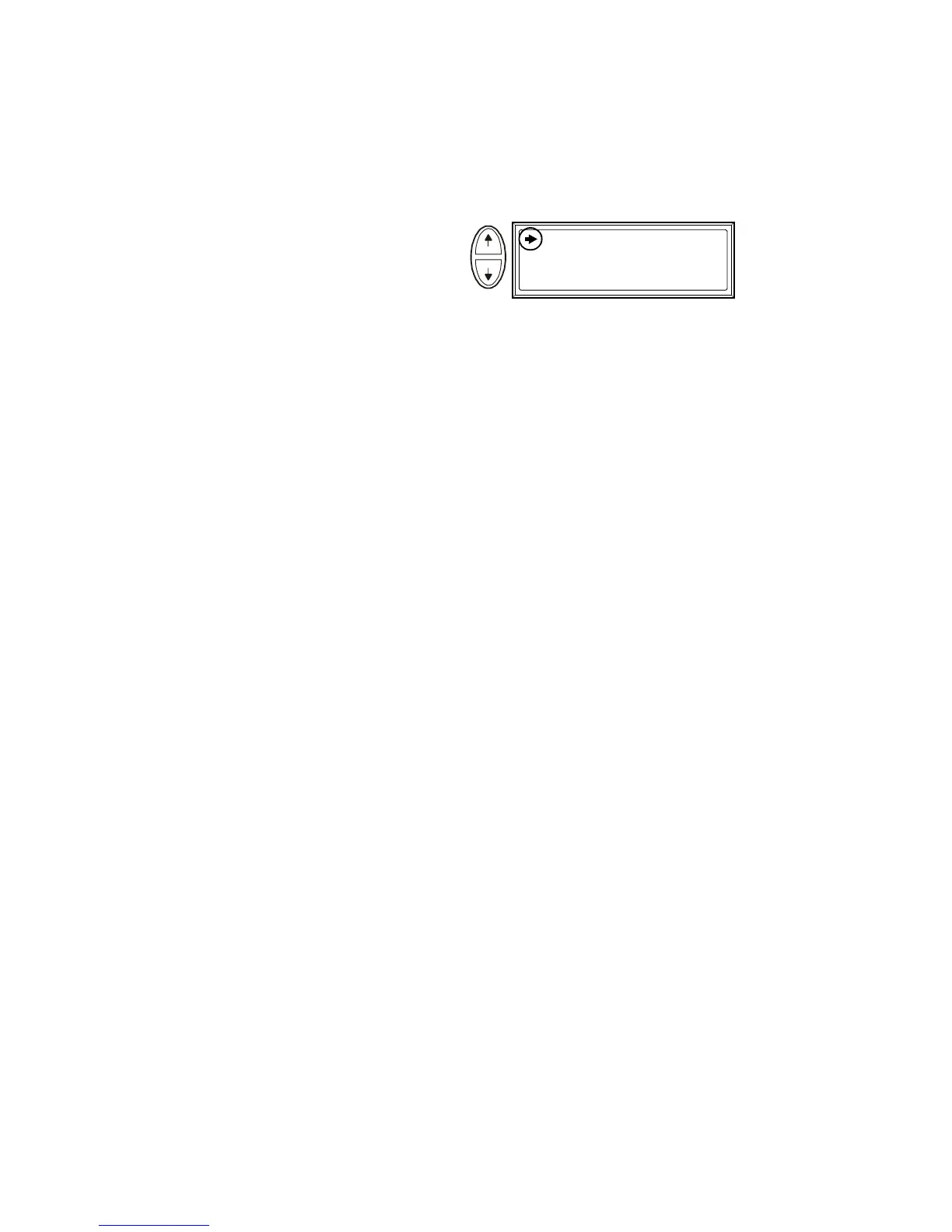
The selector arrow is controlled
by the UP/DOWN keys. The arrow
marks the item you may open by
pressing ENTER.



 To Next Page
 Loading...

