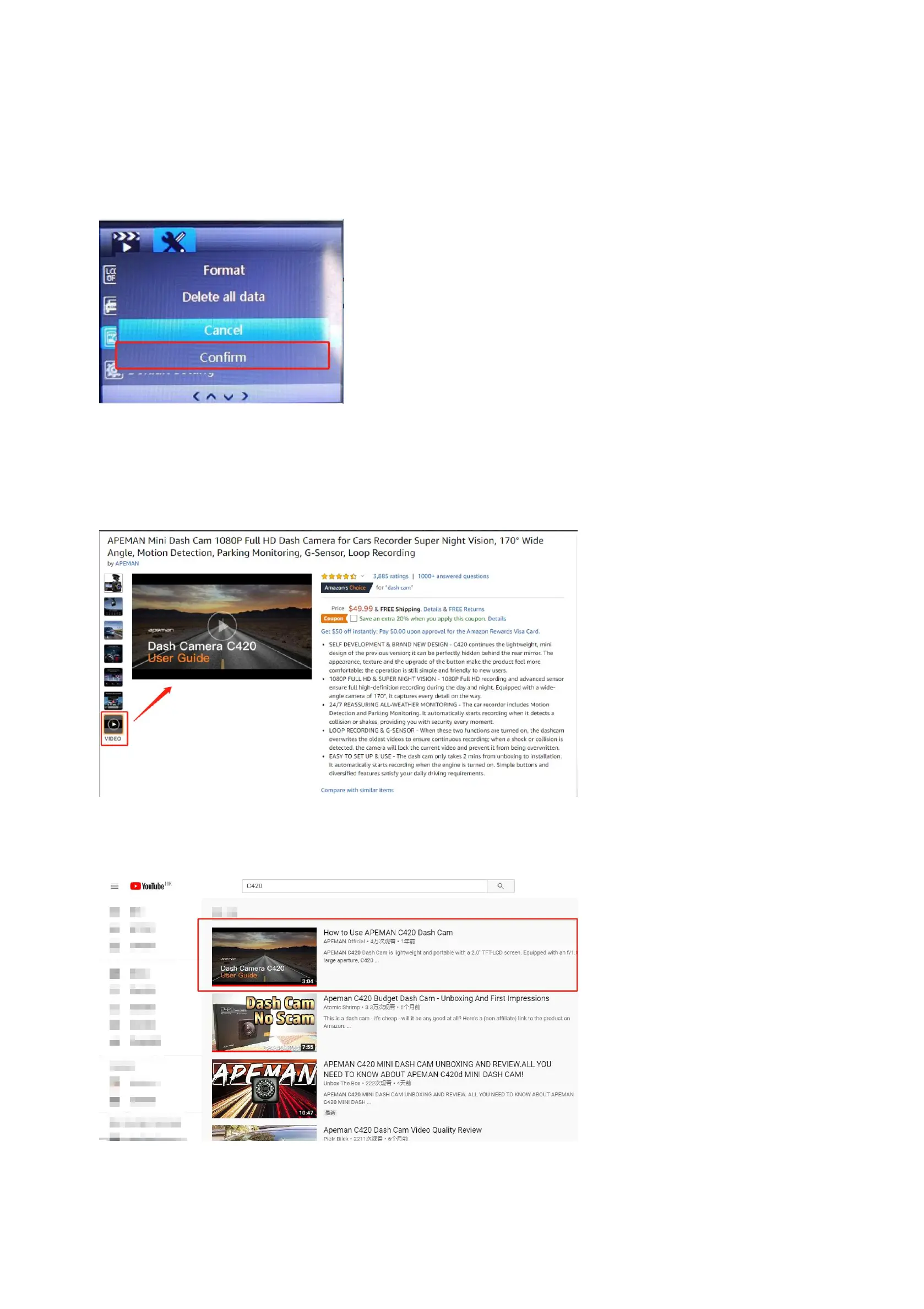
(3)How to format the SD card on dash cam?
A.Long press “Orange” Button to turn on this cam.
B.Press “menu” button twice (between up button and down button) to enter into the menu mode.
C.Find “Format” and press orange button to confirm “format” to format the SD card.
2. Official Installation Video
(1) Official installation on the product page
(2) Official installation video on Youtube



 To Next Page