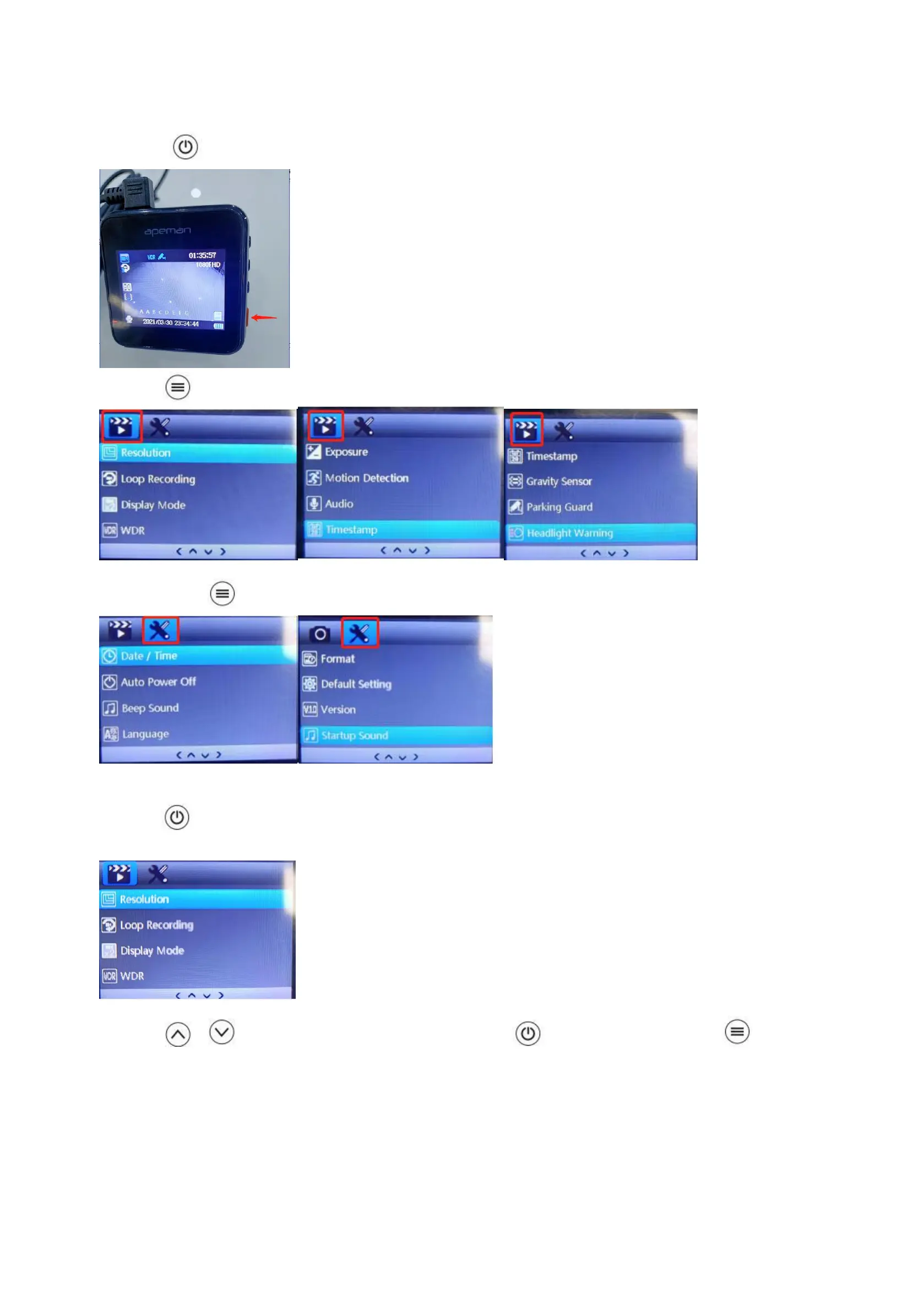
(3) How to Set the MENU(Camera Settings&System Settings)
A. Please button to stop recording in the recording mode.
B. Press to enter camera settings mode.
C. Please press again to enter into system settings mode.
Example: How to set Video Resolution
①Press to enter “Video Resolution setting.
② Press / to select the setting you prefer and press to confirm it. Then press to return
to previous page.



 To Next Page