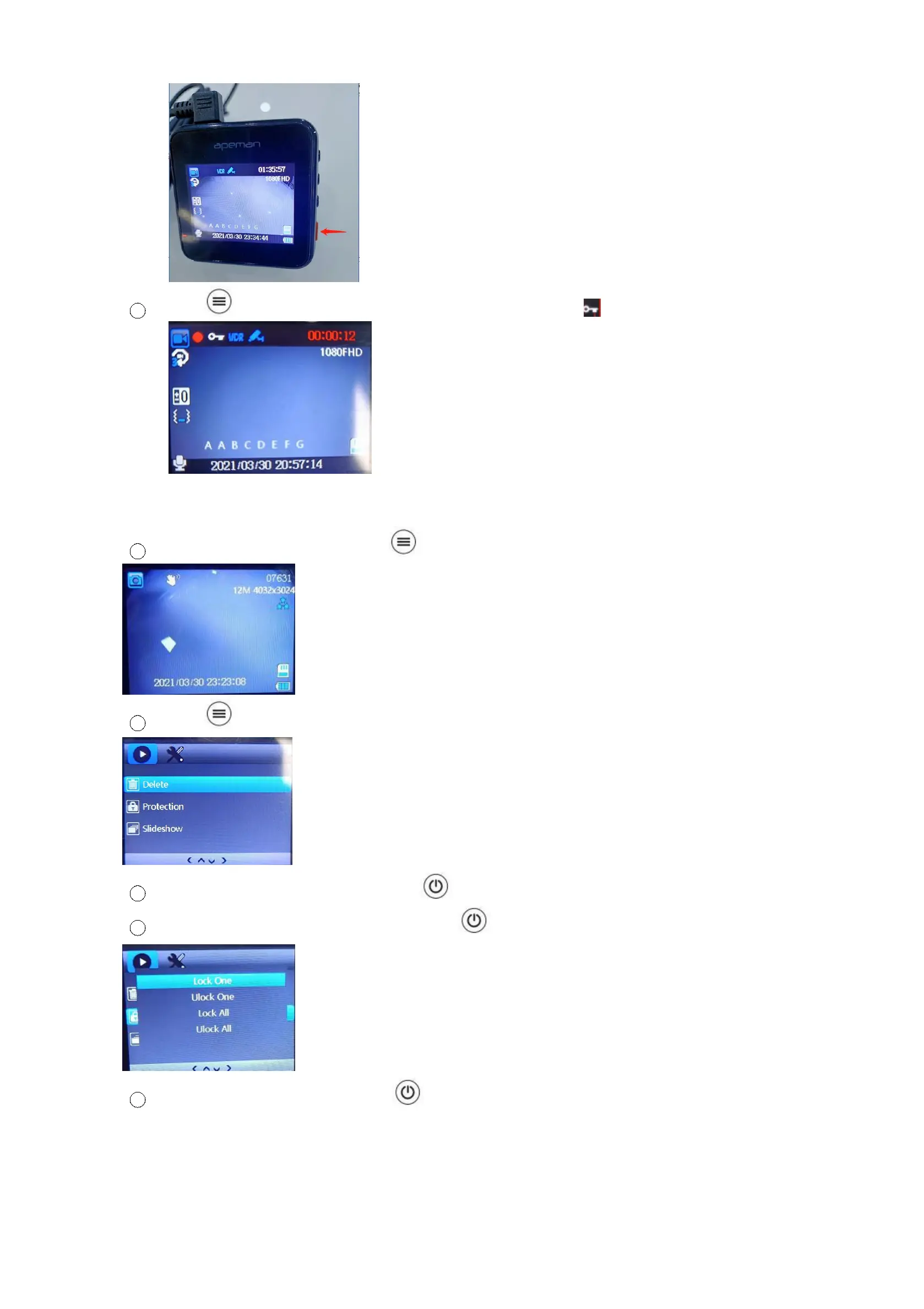
2 Press button to lock video. You will find there will be a key in this screen.
B. How to delete the locked files?
1 In the recording mode, long press button twice to the playback mode.
2 Press button to the playback setting mode.
3
Find the “Protection” option and press to confirm it.
4
Select “unlock one” or “unlock all” and press to unlock file.
5
Find the “delete” option and press to confirm it to delete it.



 To Next Page