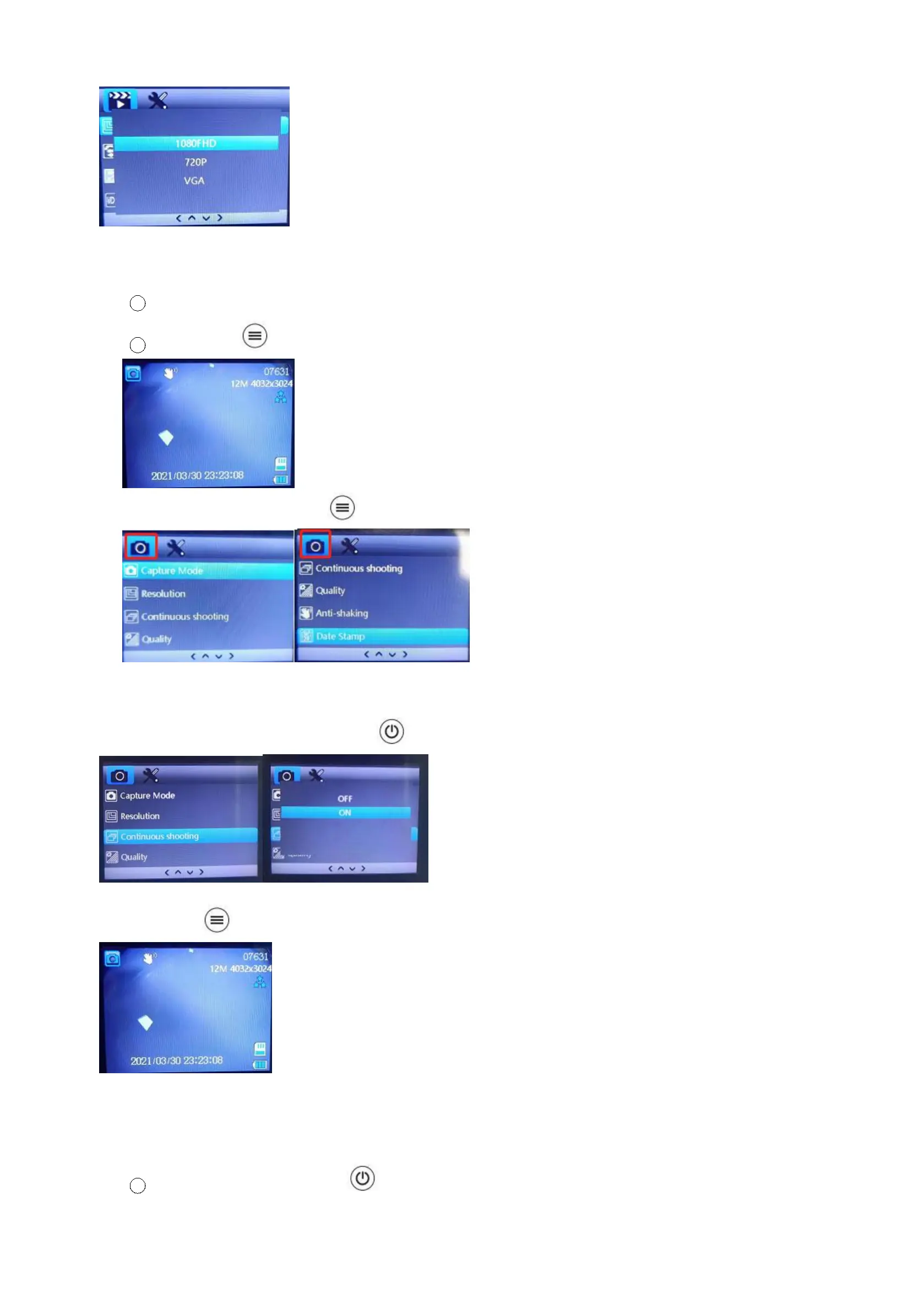
(4) How to switch mode of the cam
1 Press turn on this cam to the recording mode.
2 Long press to picture mode.
PS1:In the picture mode, pressing button can enter into the picture camera settings.
PS2:How to take continuous shooting?
Find “continuous shooting” and press button to click “on” option.
Long press again to the playback mode to watch recorded videos;
(5) Other Settings
A. How to manually lock a video?
1
Turn on this cam and press button to start recording.



 To Next Page