stands for stabilized reading
stands for successful calibration:
is pH 4, is pH 7, is pH 10.
Long Press
(hold for 2 seconds)
1) Power on;
2) In settings, change
parameter;
3) In calibration mode,
cancel calibration.
1) Power Off;
2) When turned off,
long press to enter
settings.
1) In calibration mode,
start calibration;
2) In settings, short
press to confirm
changes.
In measurement
mode, long press to
enter calibration
mode.
• Water droplets are added during
production to maintain the moisture of
the probe. This is normal practice and
should not be attributed to used
product.
• The fill line shows the level to which
you should pour the soaking solution or
sample solution.
• For details of probe storage, see
Section 7.
• Built with Apera’s proprietary
lithium glass membrane for high
accuracy and fast response.
• Temp. sensor is built in for
automatic temp. compensation.
• The pH probe is non-replaceable.

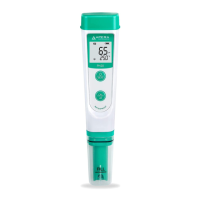
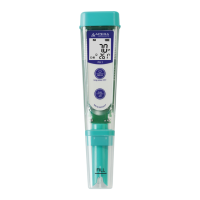
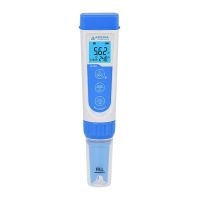


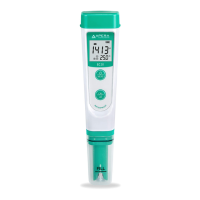


 To Next Page