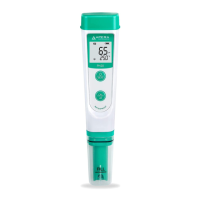
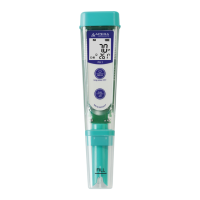
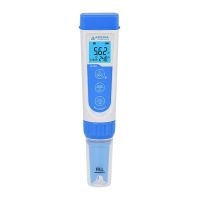
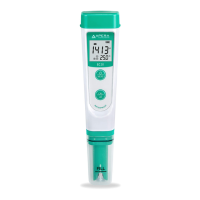
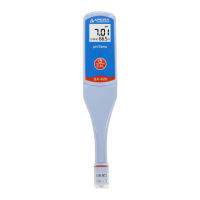
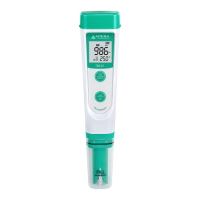
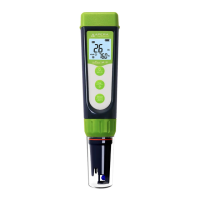
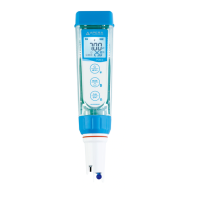
2. What’s in the Kit?
3. Preparation before Use
3.1. Prepare a cup of pure water (8-16oz) for probe rinsing. Pure water refers to tap water, RO water, distilled
water, or deionized water.
3.1. Pull off the battery insulation paper; Take off the probe cap.
3.2. Perform a 2-point calibration in pH 7.00 and pH 4.00 standard buffers. Refer to Section 4 for tutorial.
4. Calibration
4.1 Short press to power on.
4.2 Rinse the probe in pure water and shake off excess water.
Long press to enter calibration mode.
(short press to go back to measurement mode if you want to cancel
the calibration).
4.3 Insert the probe in the 7.00 pH calibration solution to start 1st point
calibration; Make a quick stir in the solution then hold still;
Wait for to appear and stay on the screen.
4.4 Short press to start 1st point calibration; tester returns to
measurement mode; will display on the lower left corner, indicating
a successful 1-point calibration.
4.5 To calibrate 2
nd
point, use 4.00 pH buffer and repeat Step 4.2 to 4.4
(Do NOT turn off the tester after you finish pH 7 calibration). will
display next to , indicating a successful 2-point calibration.
4.6 If necessary (target pH>8.0), calibrate 3
rd
point using 10.01 standard
pH buffer (sold separately) and repeat Step 4.2 to 4.4. will show up
next to and , indicating a successful 3-point calibration.





 To Next Page