EasyManua.ls Logo

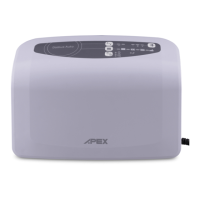
Apex Digital Domus Auto - User Manual

Apex Digital Domus Auto
124 pages
Print Icon
To Next Page IconTo Next Page
Loading...
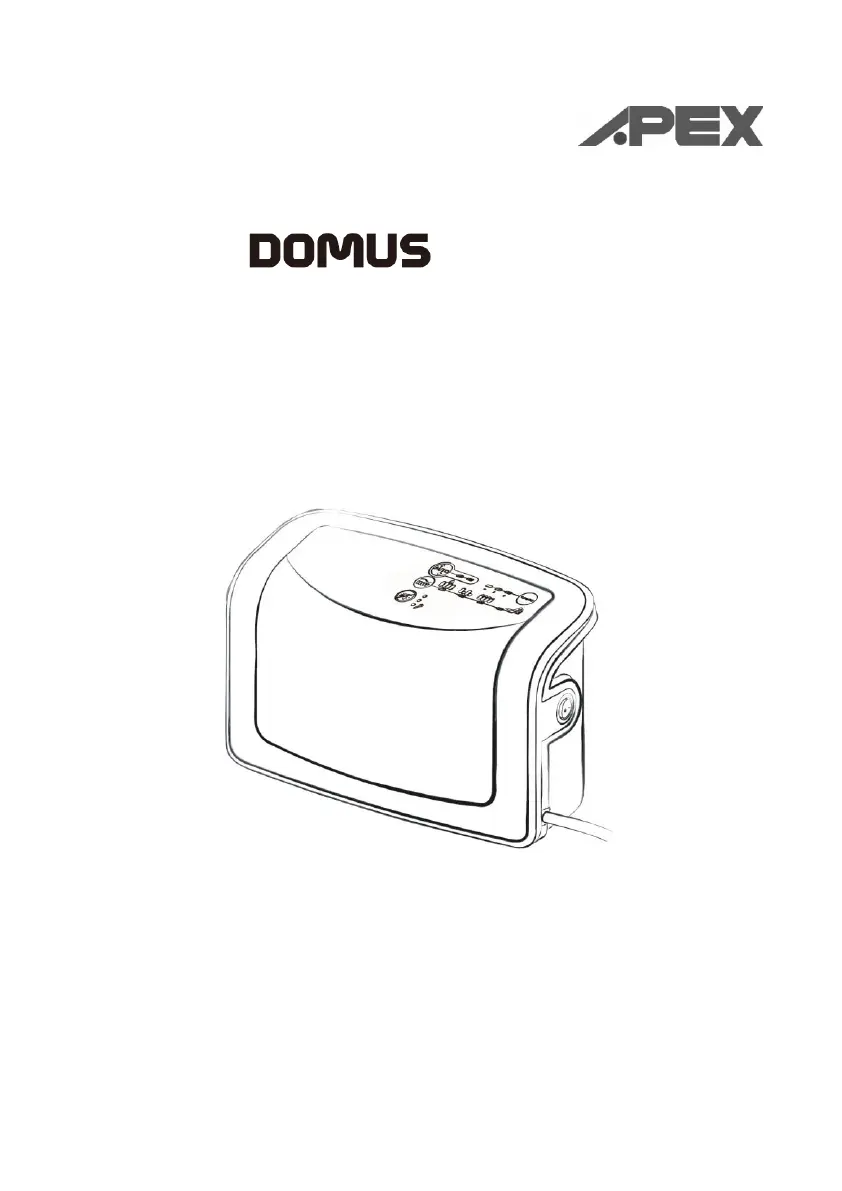
AUTO
Instruction Manual
Model No.: 9P-077520 PLEASE READ ALL INSTRUCTIONS BEFORE USE.

Questions and Answers

Summary

IMPORTANT SAFEGUARDS

Safety Warnings and Precautions

Covers dangers, notes, cautions, and warnings for safe operation.

SYMBOL Definitions

Product Symbols Explained

Explains the meaning of various symbols used throughout the manual.

INTRODUCTION

General Information

Provides an overview of the product system's quality and features.

Intended Use

Details the specific purposes and applications for which the product is designed.

PRODUCT DESCRIPTION

Pump and Mattress System Components

Details the main physical parts of the pump and mattress system.

Pump Unit Overview

Describes the features and accessible parts of the pump unit.

Front panel Controls

Pressure Adjust Function

Explains how to automatically adjust mattress pressure based on patient weight.

Tuning Functionality

Describes the function to fine-tune the system's auto-adjusted pressure settings.

THERAPY Modes

MaxFirm Mode

Explains the Max Firm mode for initial inflation and temporary support.

Alternate Mode

Details the mattress alternating every 10 minutes for therapy.

Static Mode

Describes the non-alternating mode with equally inflated air cells.

Seat Inflate Feature

Explains the seat inflate feature for patient upright position support.

Alarm Functions

Power Failure Alarm (PFA)

Describes the alarm and LED indication during power failure.

Low Pressure Indicator

Explains the indicator for low air pressure inside the mattress.

Technical Support Indicator

Indicates mechanical failure status.

Panel Lock Feature

Locking and Unlocking Controls

Explains how the control panel locks settings and how to unlock it.

INSTALLATION Guide

Package Content Checklist

Lists the items included in the product package for verification.

Pump and Mattress Setup

Provides step-by-step instructions for installing the pump and mattress.

OPERATIONS Overview

General Operating Procedures

Outlines the general steps for operating the device.

Emergency CPR Procedure

Details the emergency procedure for quick mattress deflation during CPR.

Specific Operational Features

Low Pressure Functionality

Explains the low pressure indicator and troubleshooting steps.

Static Mode Operation

Describes how to enter and exit static mode from alternating.

Alarm Mute Functionality

Explains how to temporarily mute the low-pressure alarm buzzer.

CLEANING Instructions

Pump and Mattress Unit Cleaning

Provides guidelines for cleaning the pump and mattress units.

MATTRESS STORAGE

Proper Storage Method

Details the correct procedure for storing the mattress to prevent damage.

MAINTENANCE

General Maintenance Checks

Outlines general checks for power cord, mattress cover, and air hoses.

AIR FILTER REPLACEMENT

Air Filter Cleaning and Replacement

Instructions for opening, cleaning, and replacing the air filter.

EXPECTED SERVICE LIFE

Product Lifespan Information

Information regarding the expected safe and reliable operation period.

TROUBLE SHOOTING

Common Problems and Solutions

Lists common issues and their corresponding solutions for the device.

TECHNICAL DESCRIPTION

Product Specifications

Provides detailed technical specifications for the pump and mattress.

APPENDIX A: EMC INFORMATION

Electromagnetic Emissions Guidance

Guidance on electromagnetic emissions and their compliance.

Electromagnetic Immunity Guidance

Guidance on electromagnetic immunity and environmental considerations.

Apex Digital Domus Auto Specifications

General IconGeneral
BrandApex Digital
ModelDomus Auto
CategoryIndoor Furnishing
LanguageEnglish

Related product manuals