Apogee Duet User’s Guide
Maestro Menu Bar
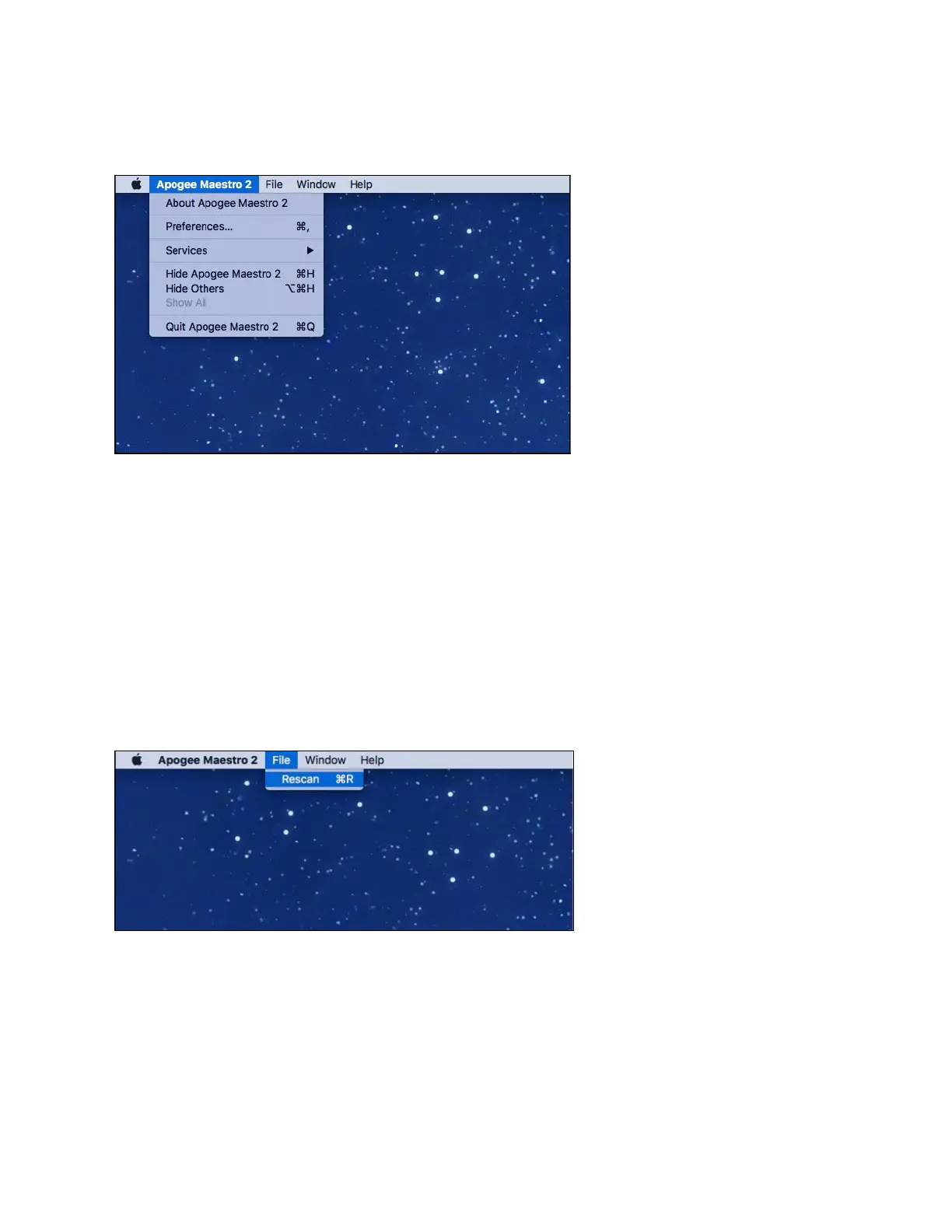
About Apogee Maestro - Choose this menu item to display version information.
Preferences - Choose this menu item to display Maestroʼs Preference panel.
Check Launch Maestro automatically when connecting a device to launch Maestro when the
Mac is started. Check Display Pop-ups to show top panel encoder adjustments.
Hide Apogee Maestro 2 - Choose this menu item to hide the Maestro application.
Hide Others - Choose this menu item to hide all other open applications.
Show All - If any open applications have been hidden, choose this menu item
to reveal all open applications.
Quit Apogee Maestro 2 - Choose this menu item to quit Maestro.
File Menu
Rescan - Choose this menu item to re-initialize the link between Maestro software and Apogee
hardware connected to the Mac, in the case where the hardware is correctly connected and
powered on but not detected in Maestro.
Page 25



 To Next Page