Apogee Duet User’s Guide
Headphone Output Level - iPad
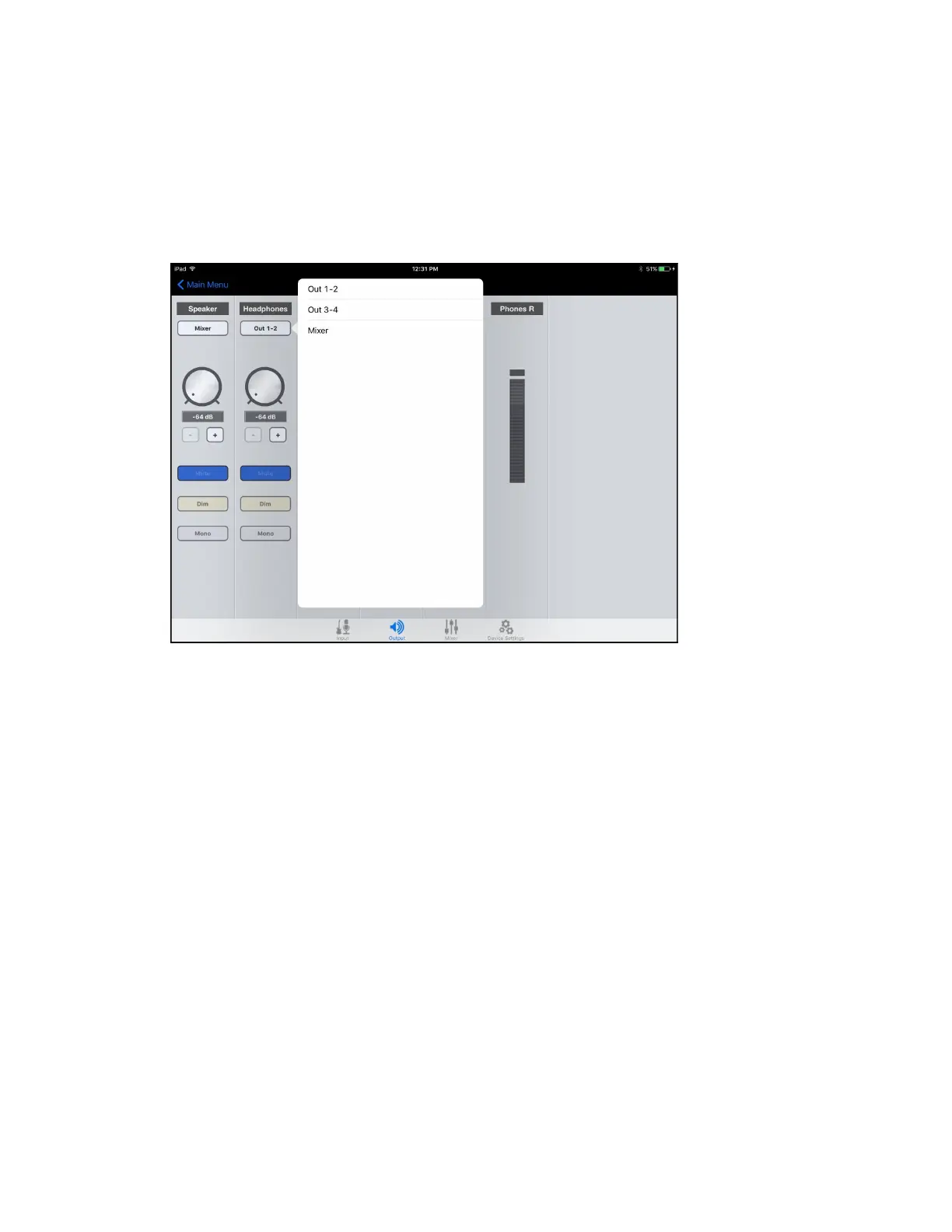
To change Duet’s headphone output level (i.e the listening level of connected headphones):
1. Connect Duet to the iPad.
2. Open Apogee Maestro app, choose Duet from the main menu and select the Output tab.
3. Go to Headphone Output drop down menu and select your Output source for desired
playback (1-2, 3-4 or Mixer). 1-2 is usually the default Output source on most recording
apps.
Page 35



 To Next Page