Apogee Duet User’s Guide
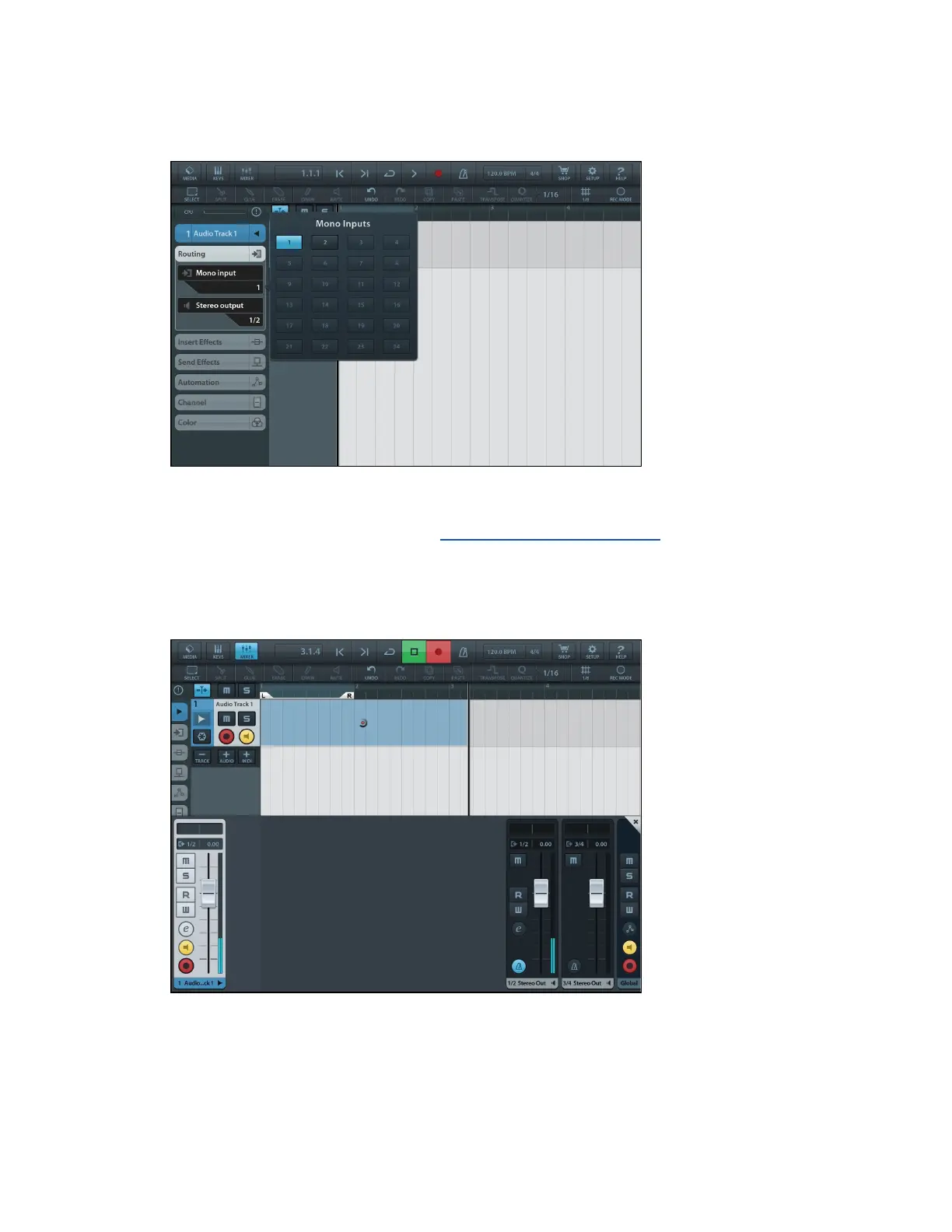
3. Go to the Routing drop down Menu and select Mono input
and your input source by tapping on the input channel number.
If you are recording with a microphone that requires 48v
Phantom power, please refer to the Configuring the Input Section
of this User Guide.
4. Open the Mixer by pressing the Mixer button
on top left corner of screen.
5. Press Record Enable and Input Enable buttons on your
channel and press Record.
Page 58



 To Next Page