22 | Apogee Element Series Quick Start Guide
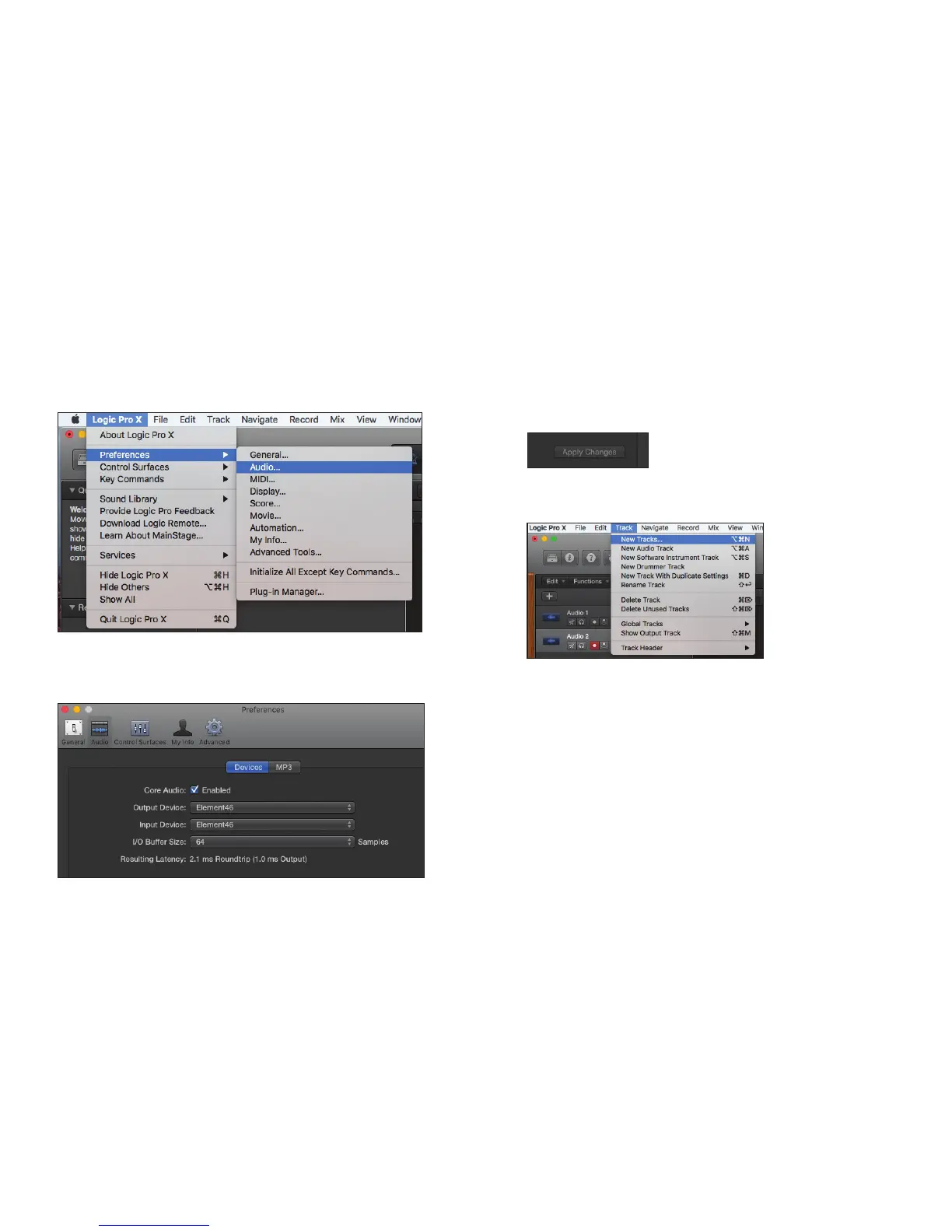
Select Element in Logic Pro X:
1. Go to Logic Pro X > Preferences > Audio. 3. Select “Apply Changes” and close the
Preferences window.
4. Go to Track > New Tracks.
2. In the Devices Tab, select Apogee Element in
the Output and Input Device drop-down boxes.



 To Next Page