Apogee Element Series User’s Guide
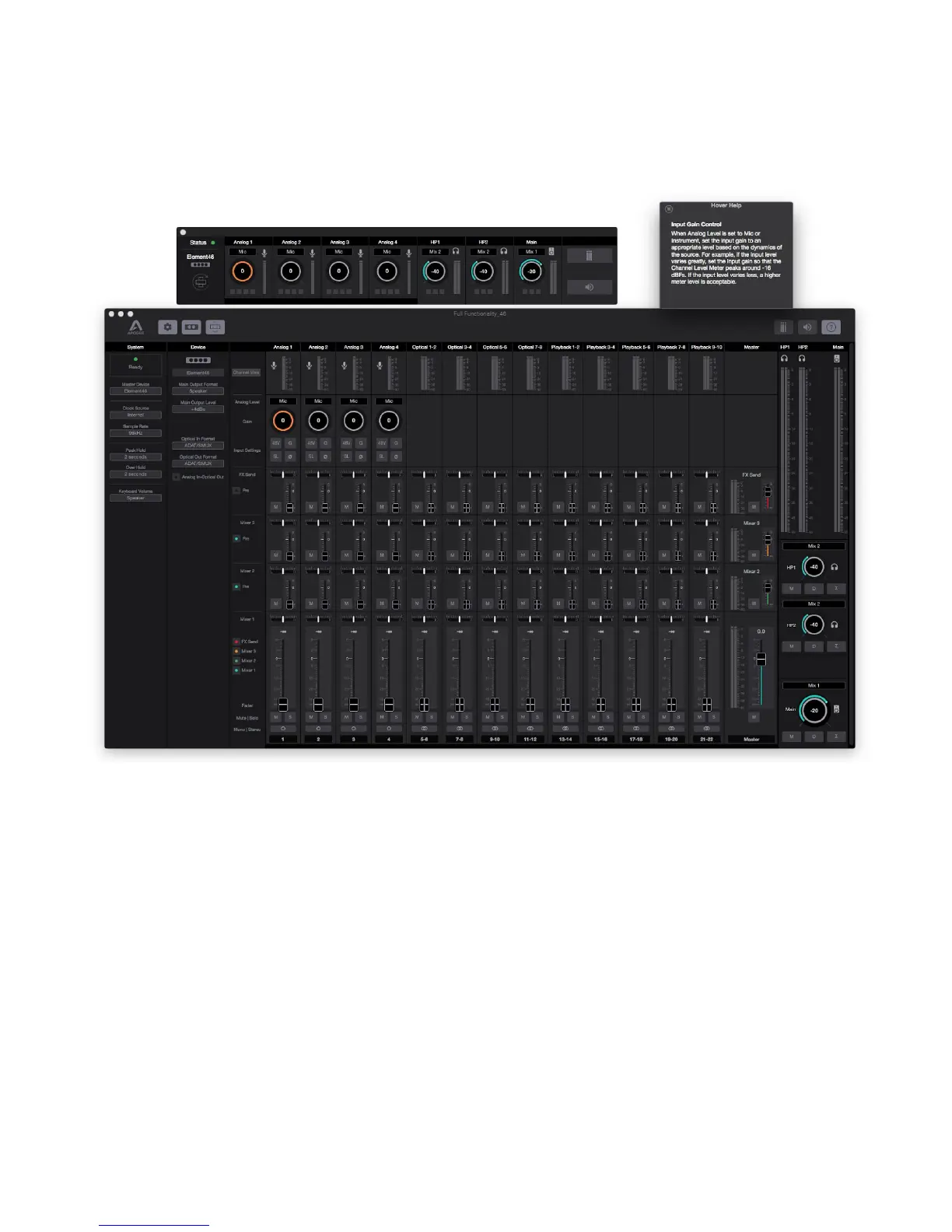
Full Functionality Snapshot Template
For the user that wants a “god-view”, this Snapshot Template has all side-panels, mixers, and channels visible.
Note: All outputs are set to “Mix 1” in this Snapshot like the Direct Monitoring Snapshot Template. Therefore you must raise
the Mixer 1 channel faders to hear anything in the outputs.
31



 To Next Page