Apogee Element Series User’s Guide
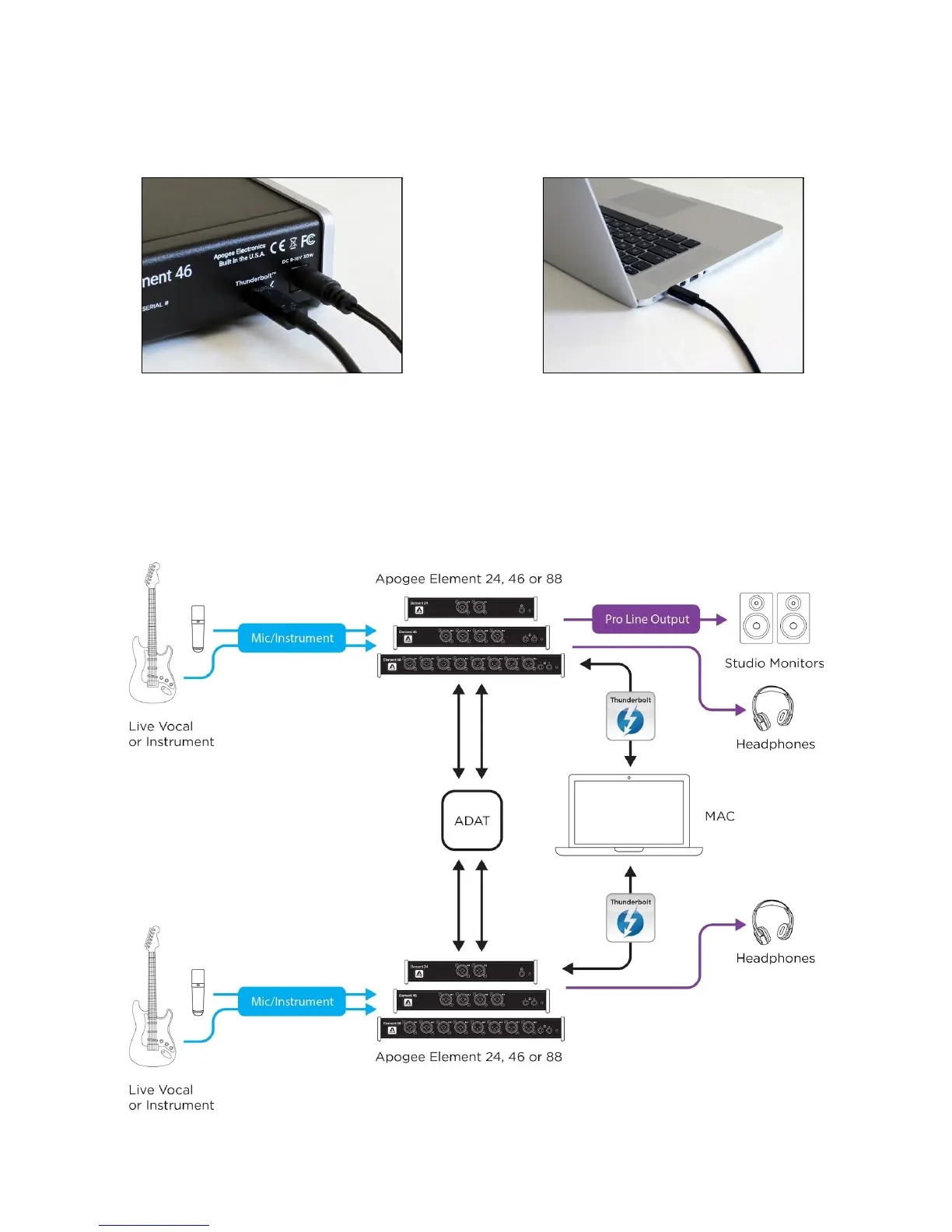
Connect Element to Your Computer
1. Connect the Power Supply to Element.
2. Connect Element to your Mac using a Thunderbolt
cable.
If connecting a Second Element
1. Connect the Power Supply to Element
2. Connect Element to a second Thunderbolt port on your Mac.
3. Connect optical cables from the Optical Out of one Element, to the Optical In of the second Element.
● If second unit is Element 24 & 46 - Two optical cables required
● If connecting two Element 88 units - Four optical cables required
6



 To Next Page