4. Address Settings
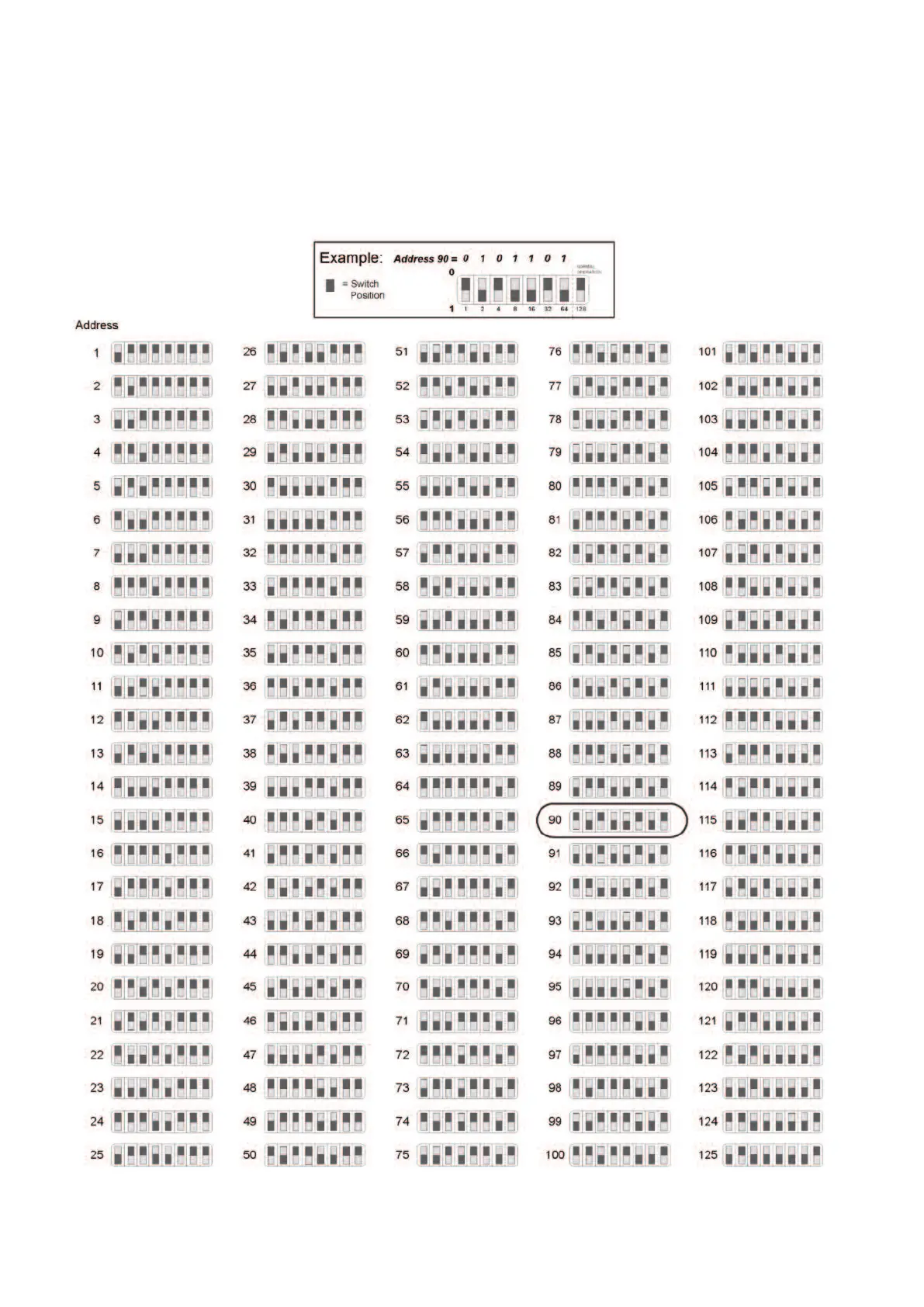
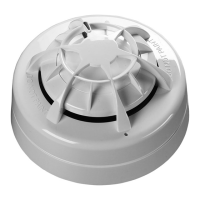
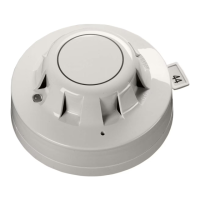
Select the required address using address switches 1 to 7 for XP/Discovery and 1 to 8 for
Soteria with core enabled panel. The reference table can be viewed below, addresses 127-254
relate only to Soteria. When only one detector is connected it will appear on the address set on
the DIP switch. When there are two detectors connected then detector 1 will appear on the
selected address and detector two will appear on the selected address +1.
5


 To Next Page