6 Chapter 1
Getting Started
Follow the steps on the next two pages to set up your iMac G5.
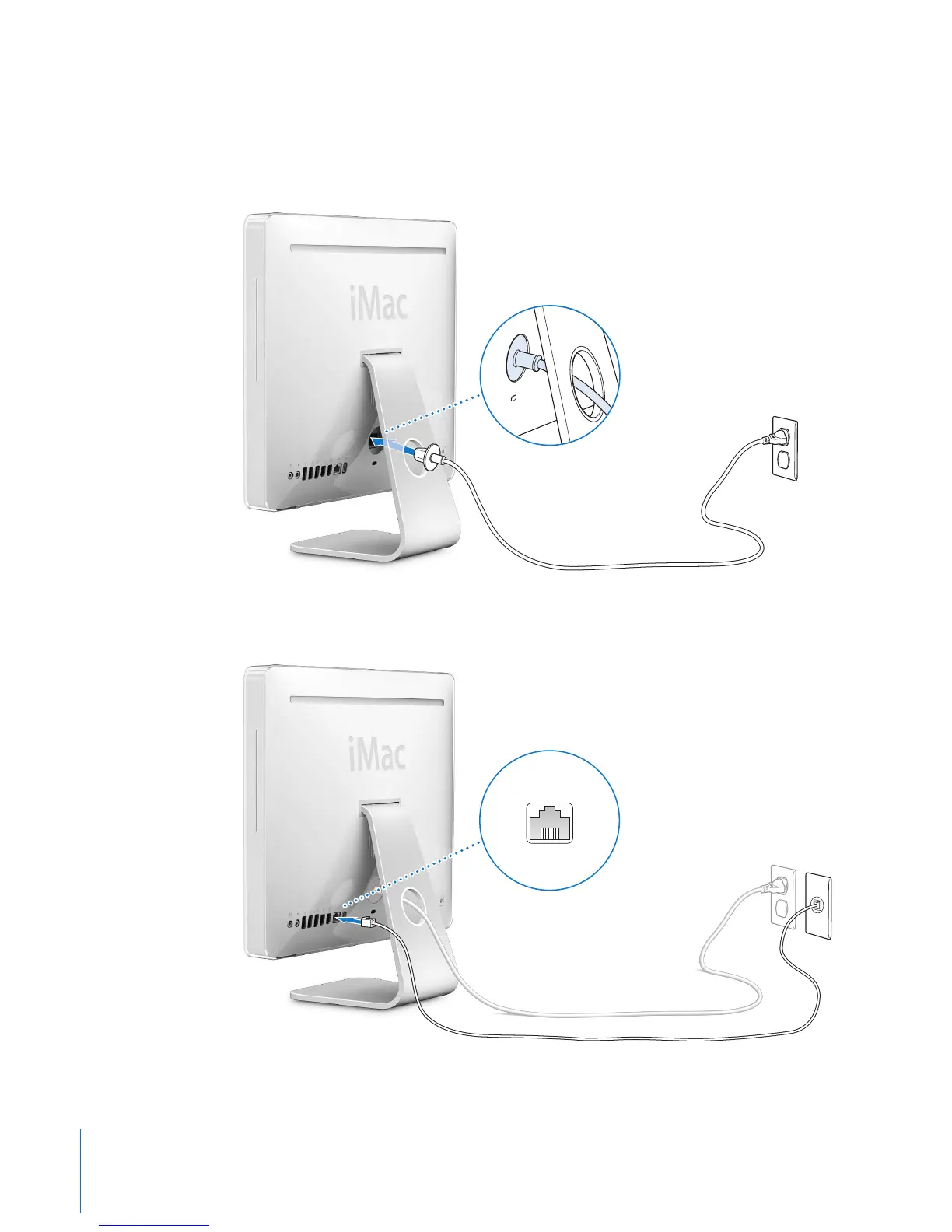
Step 1: Pass the power cord through the hole in the stand and plug it into the
power socket on the back of your iMac G5.
Step 2: To access the Internet or a network, connect one end of an Ethernet cable
to the iMac G5 and the other end to a cable modem, DSL modem, or a network.
G



 To Next Page