Chapter 1
Getting Started
7
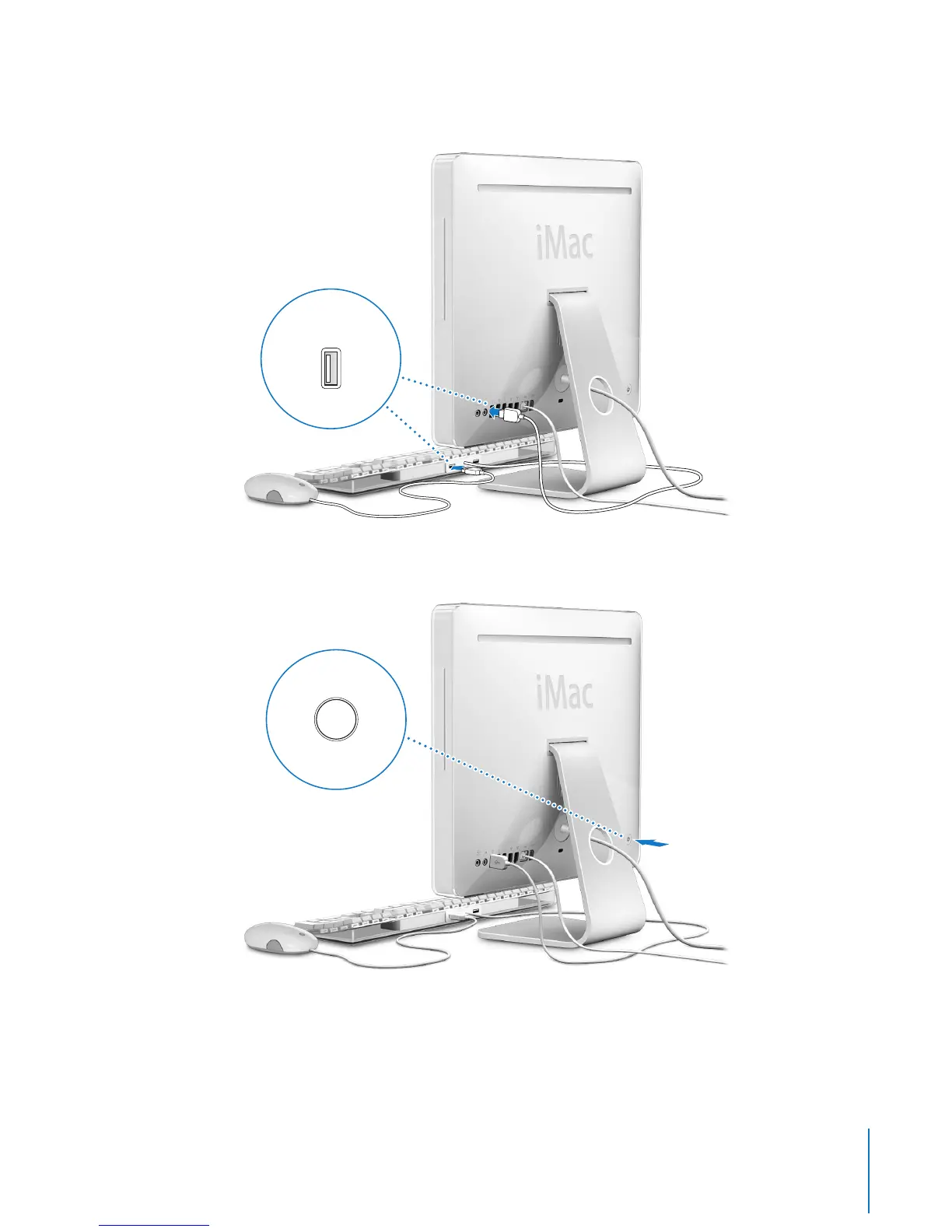
Step 3: Connect the keyboard and mouse cables.
Step 4: Press the power button (®
) to turn on your iMac G5.
Using a Wireless Keyboard and Mouse
If you purchased an Apple Wireless Keyboard and Apple Wireless Mouse with your
iMac G5, see the instructions that came with the keyboard and mouse to set them up
and use them with your computer.
d
d
d
®



 To Next Page