Let’s get started
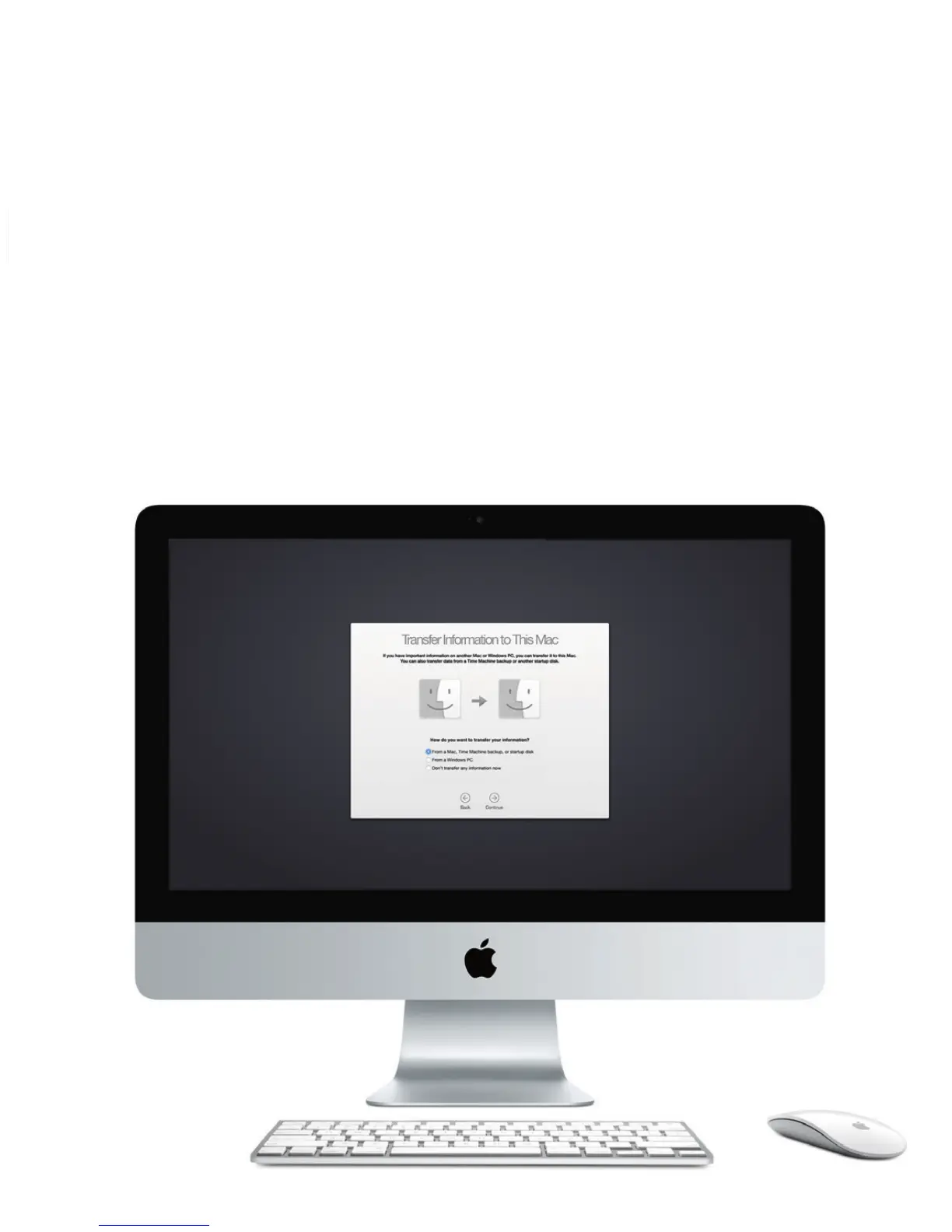
Press the power button to start up your iMac, and Setup Assistant guides
you through a few simple steps to get you up and running. It walks you
through connecting to your Wi-Fi network and creating a user account. And
it can transfer your documents, email, photos, music, and movies to your new
Mac from another Mac or PC.
Sign in with your Apple ID in Setup Assistant. This sets up your account in
the Mac App Store and the iTunes Store, and in apps like Messages and
FaceTime, so they’re ready the rst time you open them. It also sets up
iCloud, so apps such as Mail, Contacts, Calendar, and Safari have all your
latest information. If you don’t have an Apple ID, create one in Setup
Assistant.
To learn more about transferring les to your new Mac, go to support.apple.com/kb/HT6408.





 To Next Page