Using your Magic Mouse
Your Apple Magic Mouse comes with two AA batteries and is already paired
with your iMac using Bluetooth, so as soon as you turn on the mouse you’ll
be ready to go. To adjust the tracking, clicking, and scrolling speed or to
add secondary button support, choose System Preferences from the Apple
menu, then click Mouse. Here are some tips on getting the most out of your
Magic Mouse.
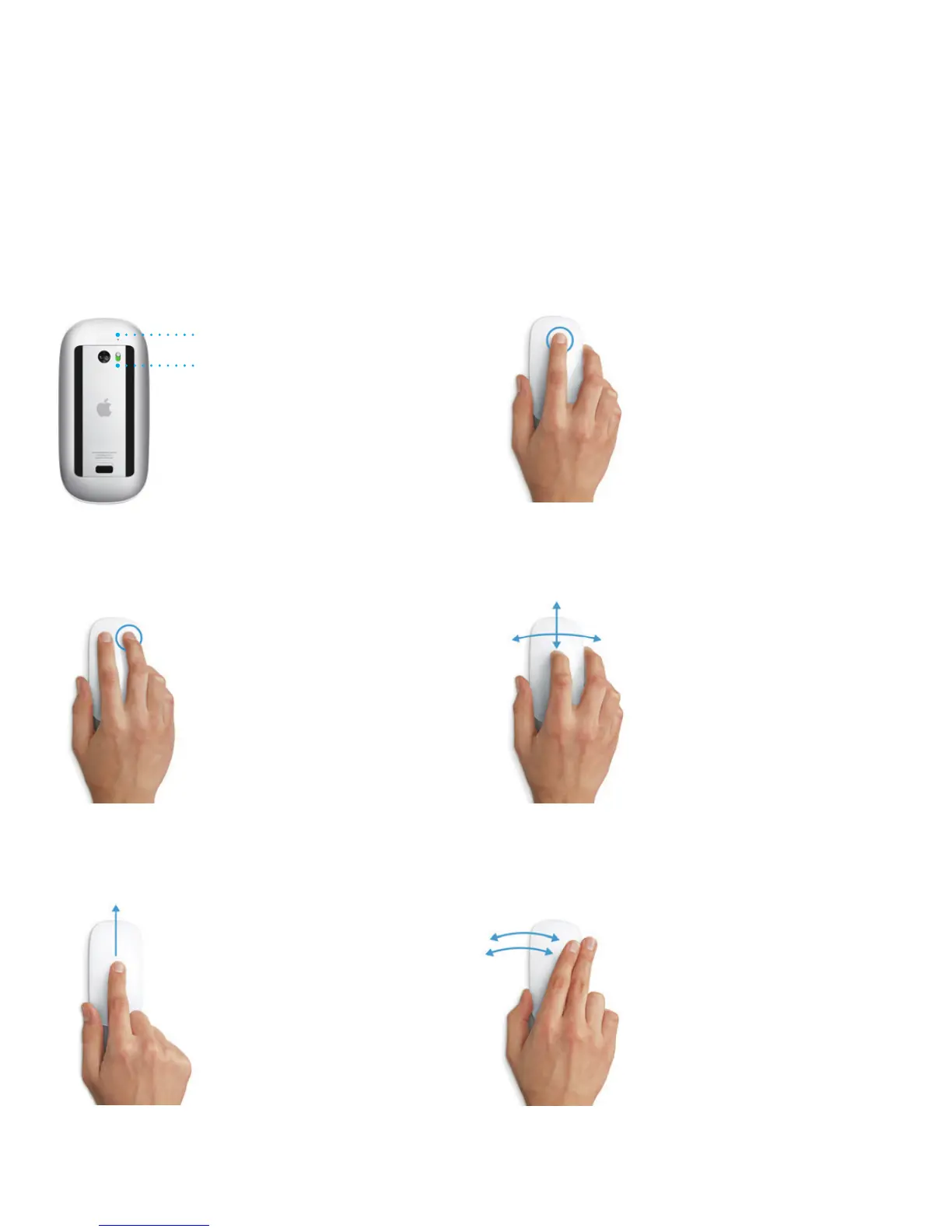
Turn on mouse
Slide the power button on the bottom
of the mouse.
Click
Click or double-click anywhere
on the surface.
360
º
scroll
Brush one nger along the surface
to scroll or pan in any direction.
Two-nger swipe
Swipe left and right to move through
Safari pages or browse photos in iPhoto.
Two-button click
Enable Secondary Click in System
Preferences to use right and left click.
Screen zoom
Hold down the Control key and scroll with
one nger to enlarge items on your screen.
On/o
Power indicator light





 To Next Page