4
English
2
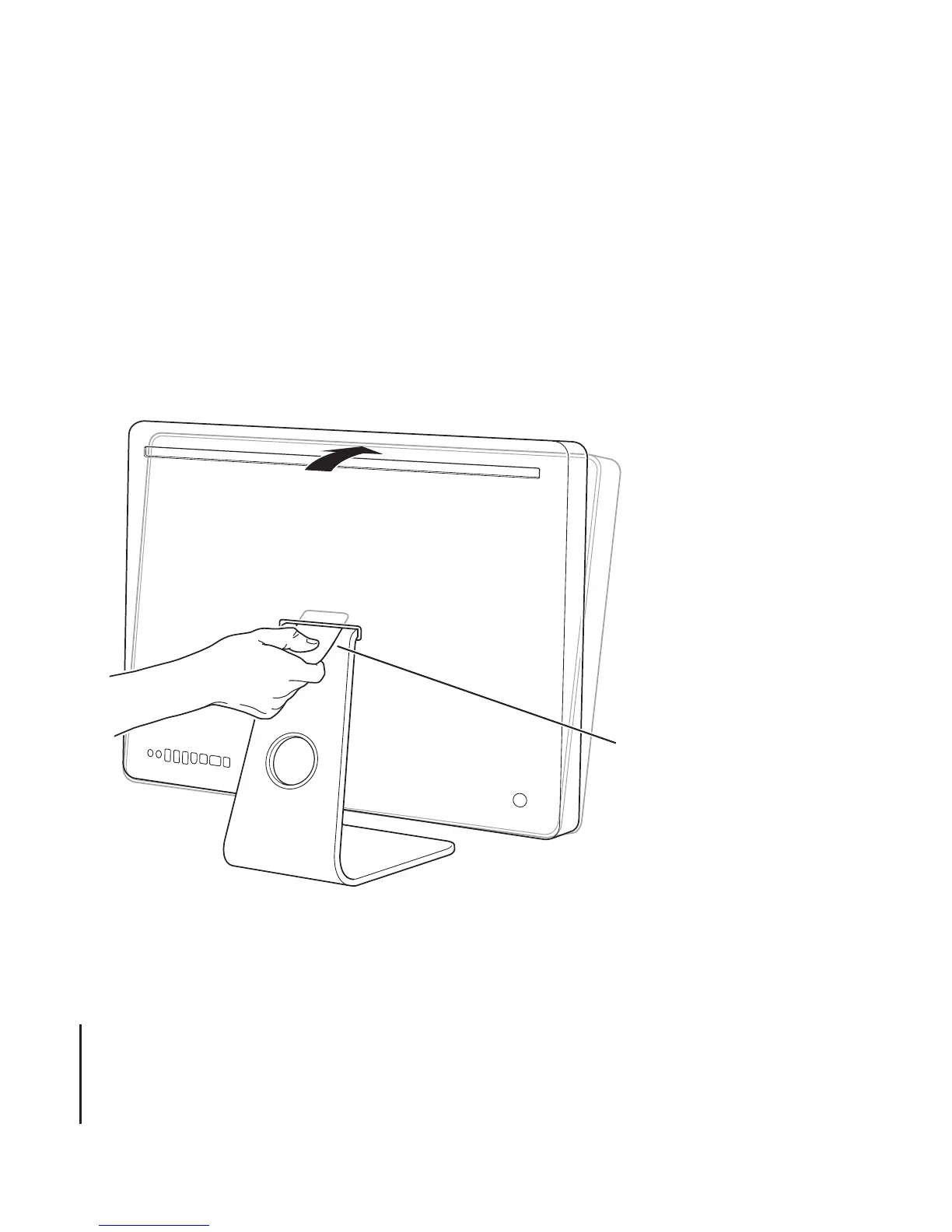
Turn your iMac so that the back is facing you, and then rotate the top forward until it
won’t go any further.
3
Release the latch by inserting the access card in the space directly above the top of the
stand.
The access card should go into the space at a slight upward angle for about 3/4 of an
inch. If it goes in farther, you’ve missed the latch, so try again.
Access card





 To Next Page