English
5
Important:
Use only the access card provided with the kit for this step. Use of any
other object or instrument could result in personal injury, and damage to your iMac.
If your access card has become lost or damaged, go to www.apple.com/support/imac/
diy/vesa to purchase a replacement access card.
4
Rotate your iMac forward another 10 degrees until the 8 screws on top of the stand are
visible and the stand is locked in place.
Important:
Keep your iMac upright until the stand is locked in place.
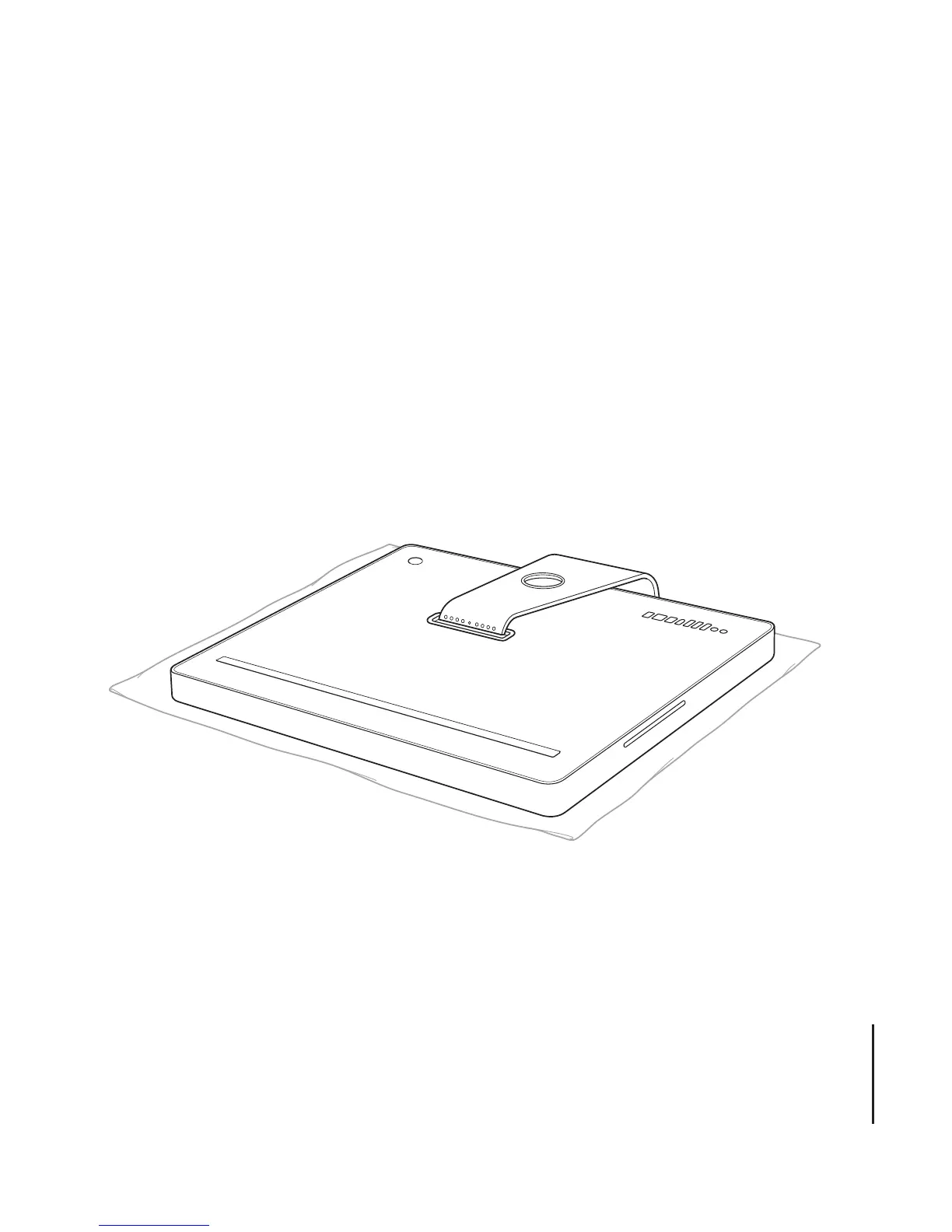
5
Hold the sides of your iMac and carefully lay it down so that the screen is resting
on a soft towel or cloth on a flat surface and the stand hangs over the edge of your
work surface.





 To Next Page