30 Chapter 3 Using Your iMac
To learn what you can do with your iMac, start with the information in this chapter.
More information can be found in Mac Help and on the iMac Service & Support
website at www.apple.com/support/imac.
Using Mighty Mouse
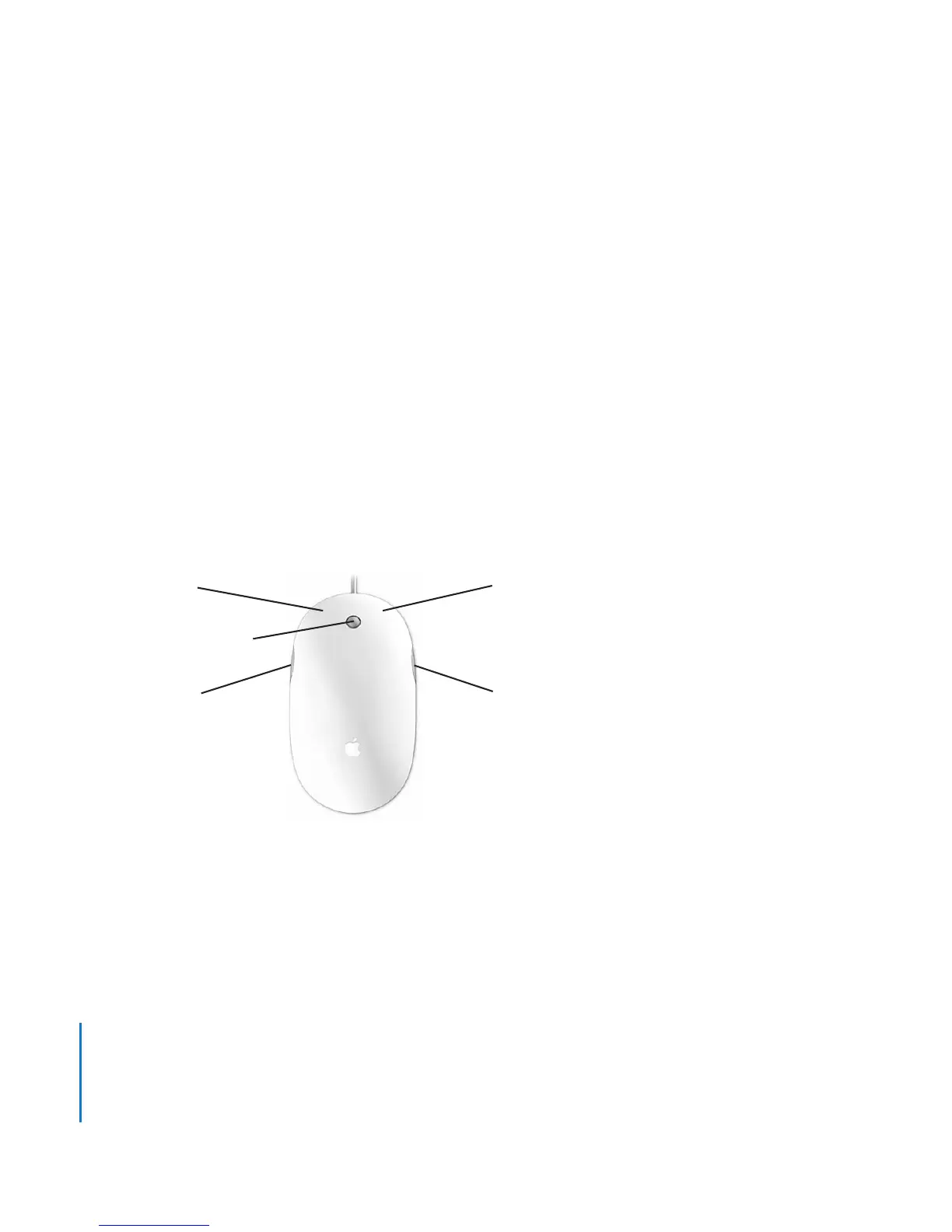
Your iMac comes with Mighty Mouse, which has touch-sensitive technology under the
top shell to detect where you’re clicking. Mighty Mouse also has force-sensing buttons
on the sides, which let you squeeze the mouse between your thumb and finger to
activate Dashboard, Exposé, or other customizable features. You can configure the right
or left button as the primary button and you can use the scroll ball to move anywhere
inside a document, without lifting a finger.
Scroll ball (button)
Left button
Side button
Right button
Side button





 To Next Page