Chapter 3 Using Your iMac 31
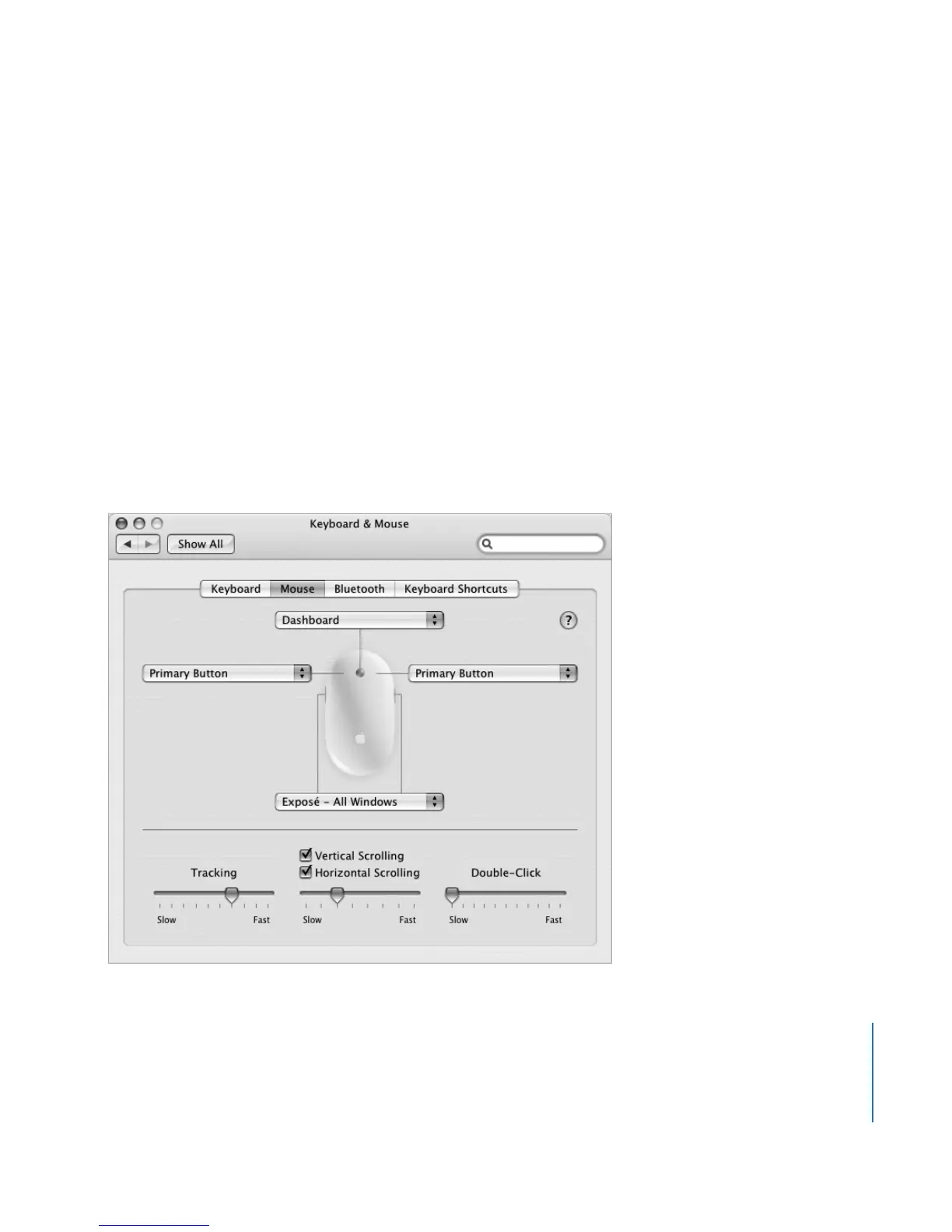
Configuring Mighty Mouse
Use the Keyboard & Mouse preferences to set up Mighty Mouse as a one-button
mouse or configure it as a multibutton mouse. You’ll see pop-up menus for the
buttons, plus controls for tracking, scrolling, and double-clicking. You can choose your
primary and secondary button designation, reassign which applications you want to
open with Mighty Mouse, and customize your scrolling capability.
To open Keyboard & Mouse preferences:
1 Choose Apple (K) > System Preferences.
2 Click Keyboard & Mouse, and then click Mouse.





 To Next Page