Chapter 3 Using Your iMac 39
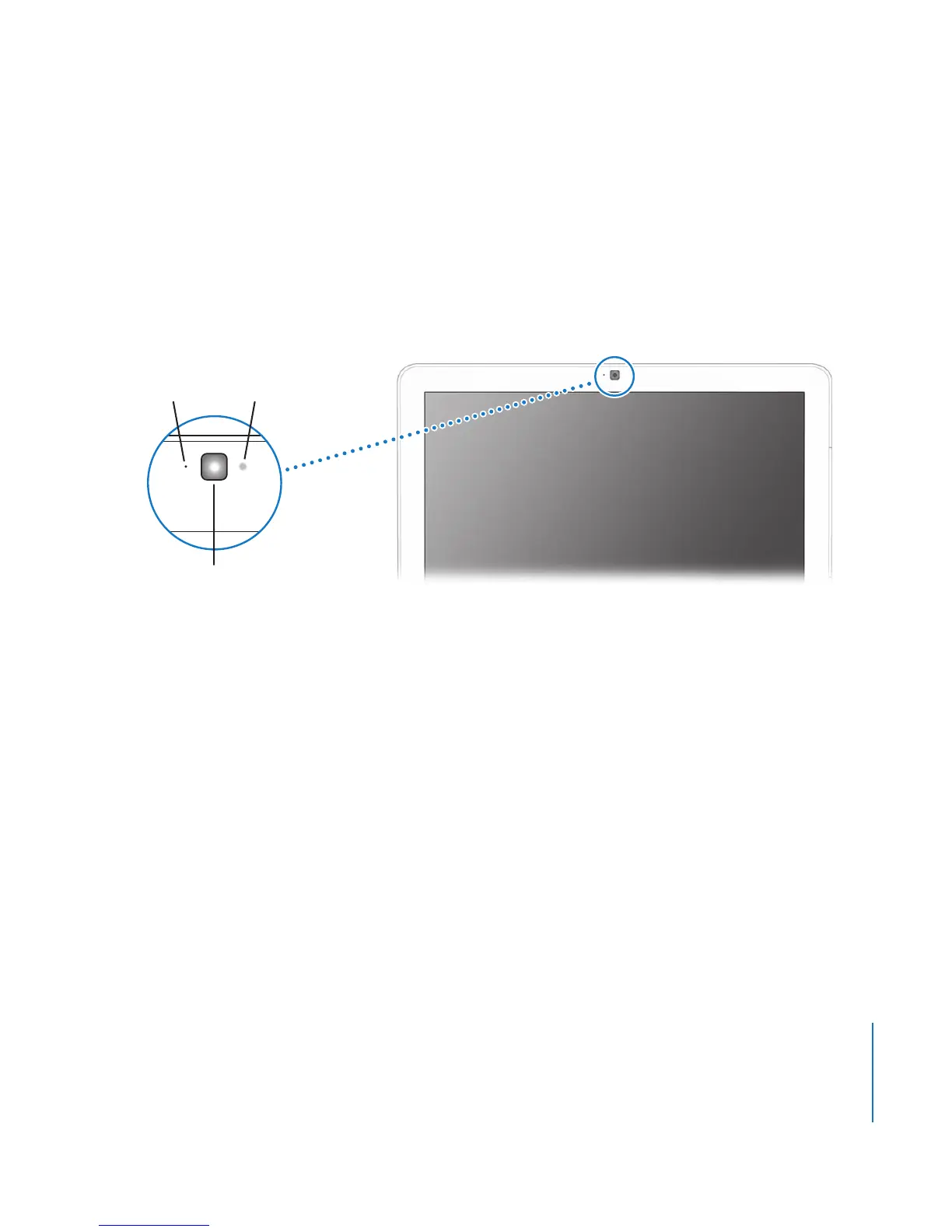
Using the Built-in iSight Camera
Your iMac has a built-in iSight camera that you can use to take pictures with Photo
Booth, create movies with iMovie HD, or video chat with your friends and family over
the Internet using iChat AV.
Taking Pictures with Photo Booth
Use Photo Booth to take pictures and add fun visual effects such as sepia, stretch, pop
art, glow, colored pencil, and many more.
Using Your iSight Camera with iMovie HD
You can capture live video from your built-in iSight camera directly into iMovie HD.
To capture live video:
1 Open iMovie HD by clicking its icon in the Dock (or choose Applications > iMovie HD).
iSight camera
Microphone
Camera
indicator light





 To Next Page