Chapter 3 Using Your iMac 45
Using Audio Devices
Your iMac comes with built-in stereo speakers, a headphone out/optical digital audio
out (f) port, and an audio in/optical digital audio in (,) port.
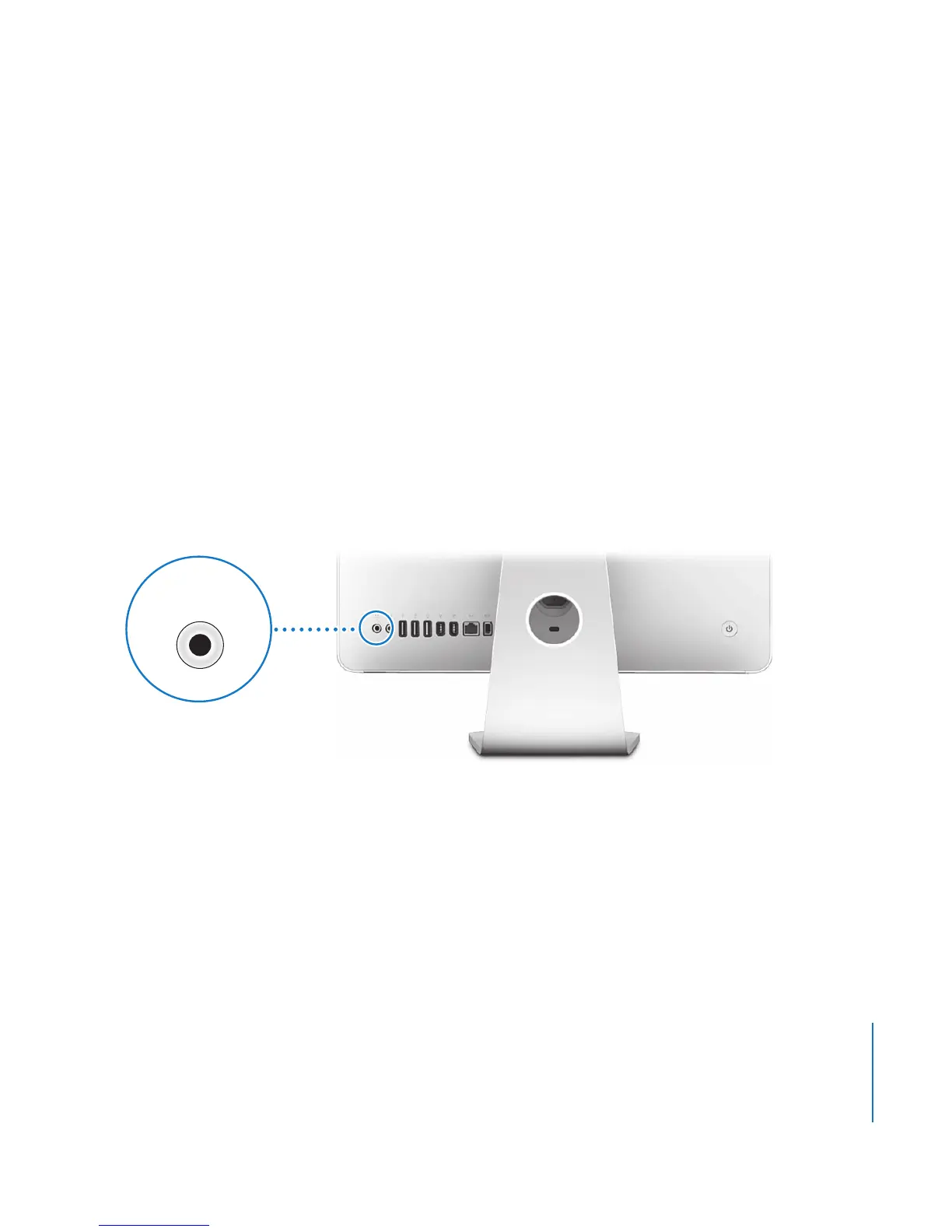
Headphone Out/Optical Digital Audio Out Port
You can connect external powered speakers, headphones, 5.1 surround systems, and
other sound output devices to the headphone out/optical digital audio out (f) port.
The headphone port is also a S/PDIF stereo 3.5 mini-phono jack. When you plug a pair
of headphones or another device into the mini-phono jack, sound comes through the
device instead of the iMac speakers. You can also play music through your home stereo
with iTunes and an AirPort Express Base Station.
Headphone out/optical
digital audio out port
f





 To Next Page