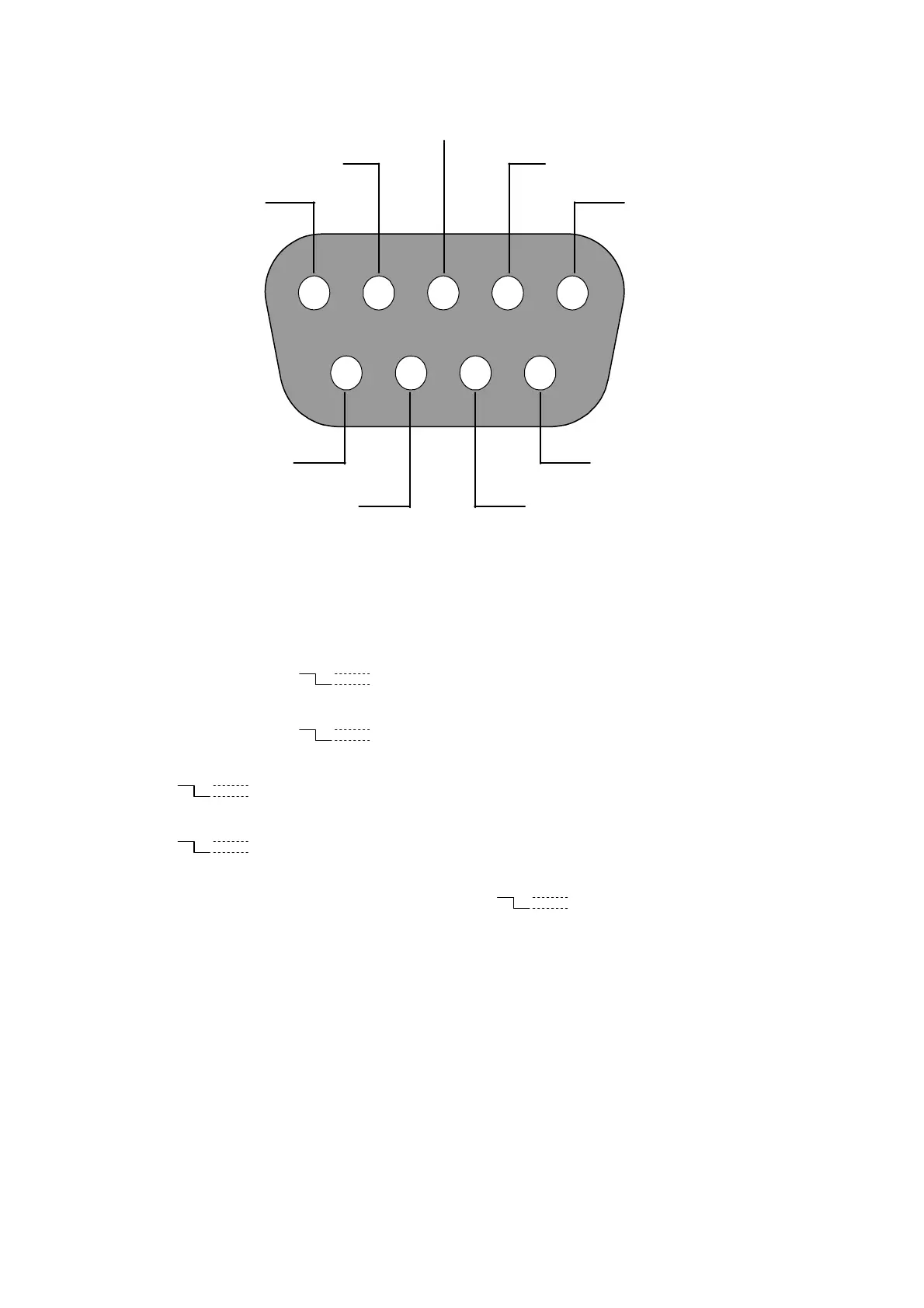
2.3 ALARM In/Out
ALARM1 IN ALARM4 IN
ALARM2 IN ALARM3 IN
ALARM OUT
RECORD IN GROUND
DISK FULL
ALARM RESET
12345
6789
THE ABOVE FIGURE IS A REAR VIEW.
1. GND: Ground Contact.
2. ALARM OUT (OUTPUT): This is an alarm-output trigger. Connect this to external devices such as
buzzers or lights. (
5V
0V(Active)
)
3. DISK FULL (OUTPUT): This is a disk-full output trigger. Connect this to external devices such as
buzzers or lights. (
5V
0V(Active)
)
4. ALARM RESET (INPUT): This pin connects to an alarm-clear device for clearing an alarm.
(
5V
0V(Active)
)
5. RECORD IN (INPUT): This pin connects to a record-triggering device for starting a record.
(
5V
0V(Active)
)
6. ALARM4 IN (INPUT): This is an alarm input( for CH 4 )which can be programmed in the menu
system to Normally Open or Normally Closed. (
5V
0V(Active)
)
7. ALARM3 IN (INPUT): same as the above, for CH 3
8. ALARM2 IN (INPUT): same as the above, for CH 2
9. ALARM1 IN (INPUT): same as the above, for CH 1
10



 To Next Page