7.3 SOFTWARE INSTALLATION
Step 1: Exit all applications currently running in the selected PC.
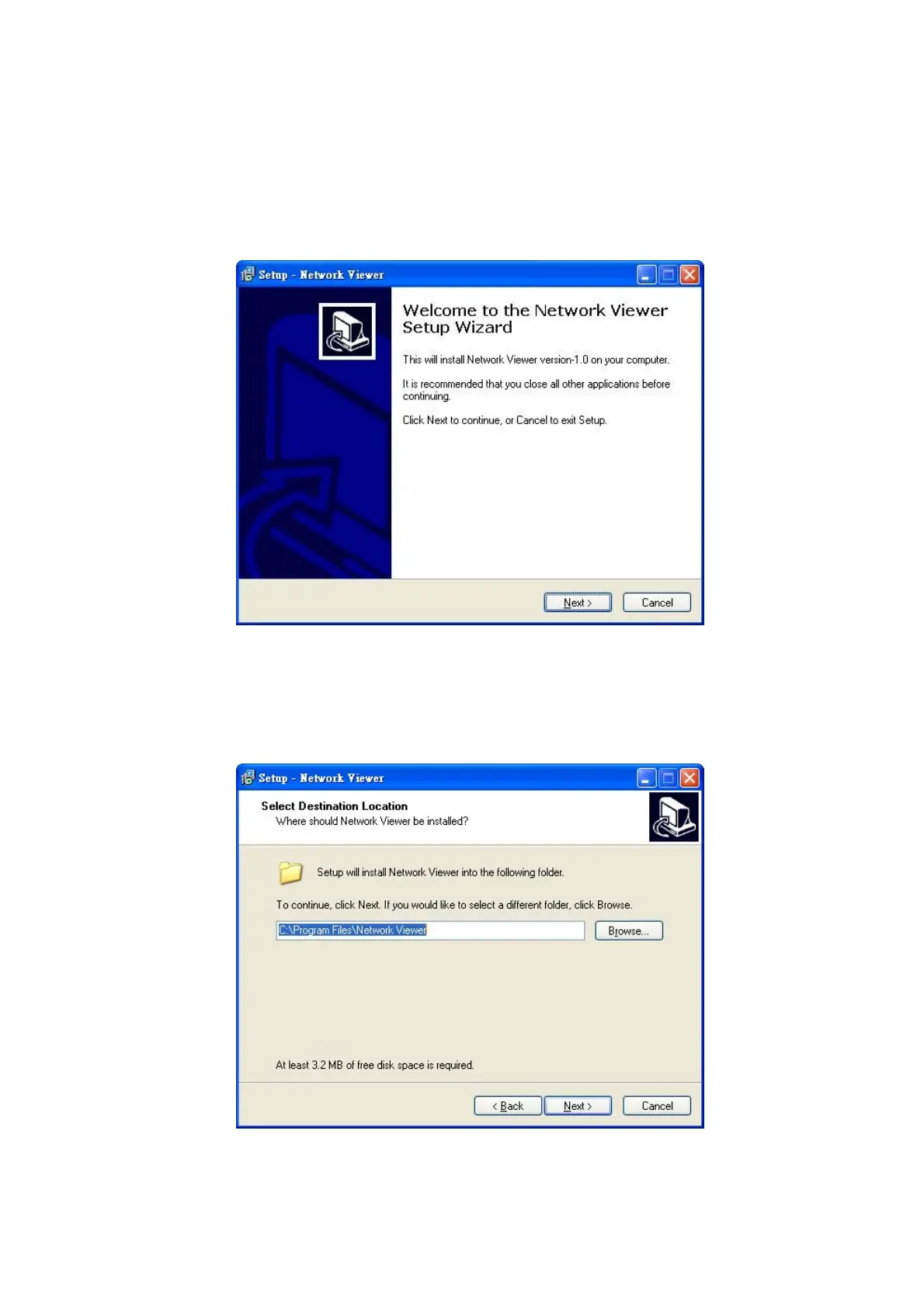
Step 2: Insert the supported PC in the CD-ROM device. It'll automatically enter the "Network Viewer"
installation screen. Please see the screen below.
Note: Please choose the "Next" button to continue.
Step 3: The installation screen will show the message "C :\ Program Files \ Network Viewer\" Or you
can select the path you want.
Note: Click "Next" to continue the installation.
34



 To Next Page