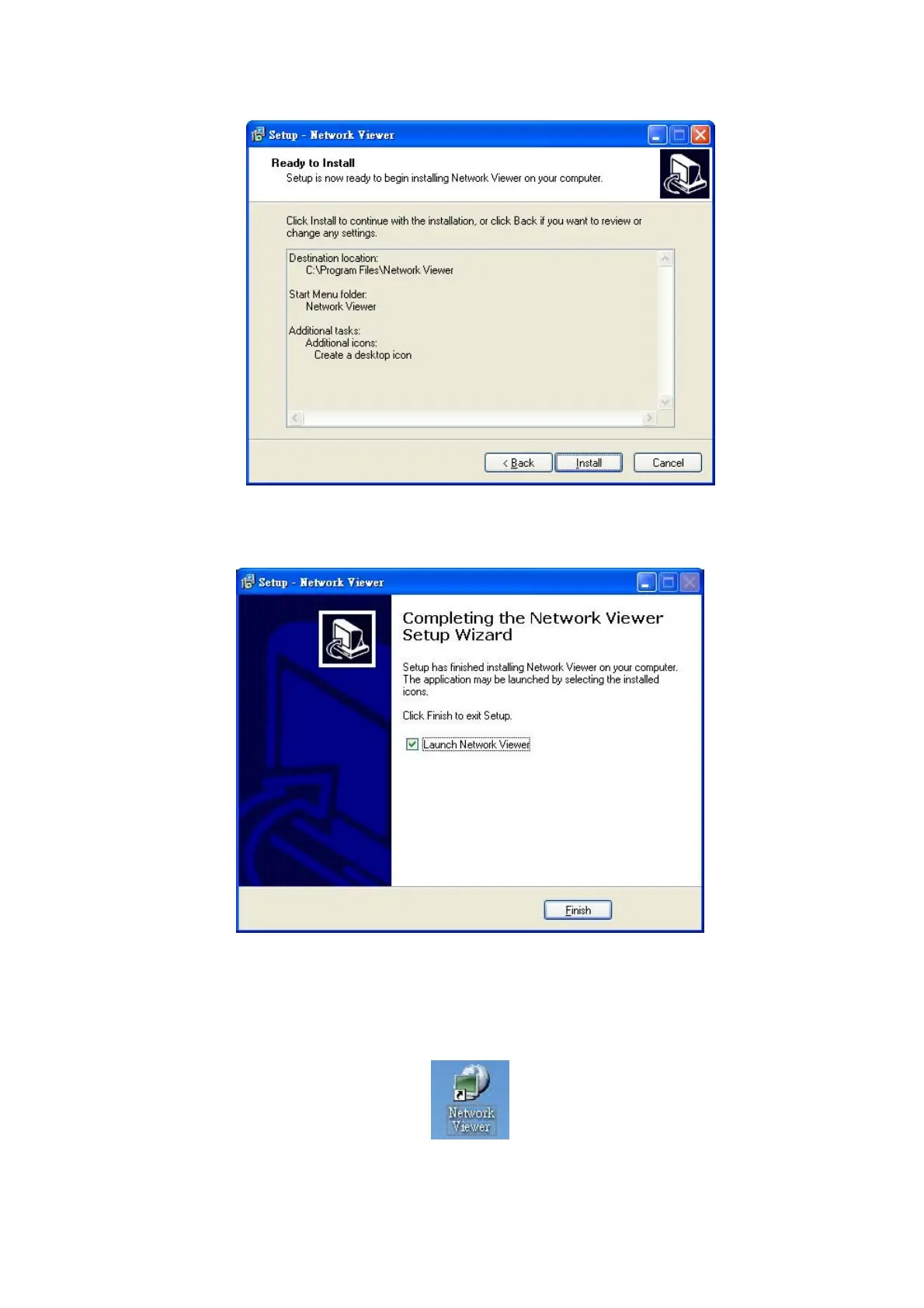
Step 6: Confirm the installation details.
Note: Click "Install" to continue the installation.
Step 7: The window below tells you the process is complete.
Note: Click the "Finish" button to complete the installation process.
Step 8: After completing installation, you can double-click the file shown below. Or click the "Start Menu"
in the computer and select "Programs" to open the "Network Viewer" page. Then click the
"Network Viewer" tag to start the program.
Note: Please make sure the TCP/IP communication software has been properly set and configured in your
computer.
36



 To Next Page