Step 4: Press the
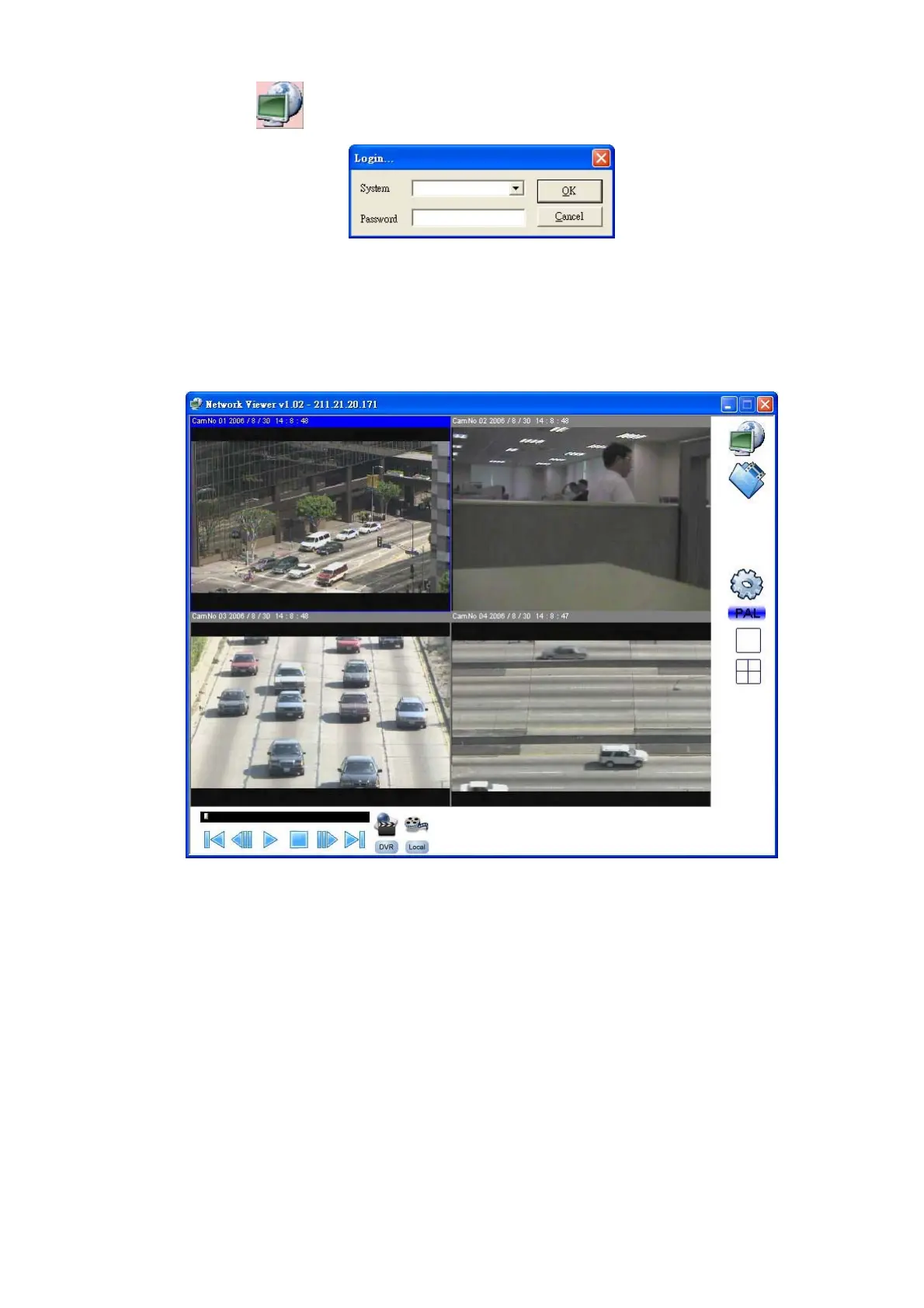
button to enter the Network Viewer Setting window which is shown below.
Step 5: Please type or select the IP address which is set in Step 2 from the drop-down list. Enter the
password (the default is “9999”), then click the OK button.
Step 6: After entering the DVR, you will see the videos of all the cameras as shown below.
Note: To add more connections of other DVRs, please repeat the above instructions.
Note: It’s necessary to remove the exit program when you are going to install a new version of Network
Viewer. Every time you update the Network Viewer, the original version must be removed first.
38



 To Next Page